
You open your IPTV player’s settings and find a stream format, an MPEGTS or HLS option, with a third choice called “Default,” and there is nothing on screen explaining what any of them do. The forums are worse than no answer at all: one thread ties the choice to a connection speed threshold, another says switch to HLS to stop buffering, and a third says the difference is imaginary.
Most of that advice rests on a misunderstanding of what the setting controls. It is neither a quality slider nor a buffering fix. This setting changes how your app requests the stream from the provider, and understanding this distinction makes the choice straightforward and explains why switching formats so often has no effect. If IPTV is new to you, this page covers what IPTV is.
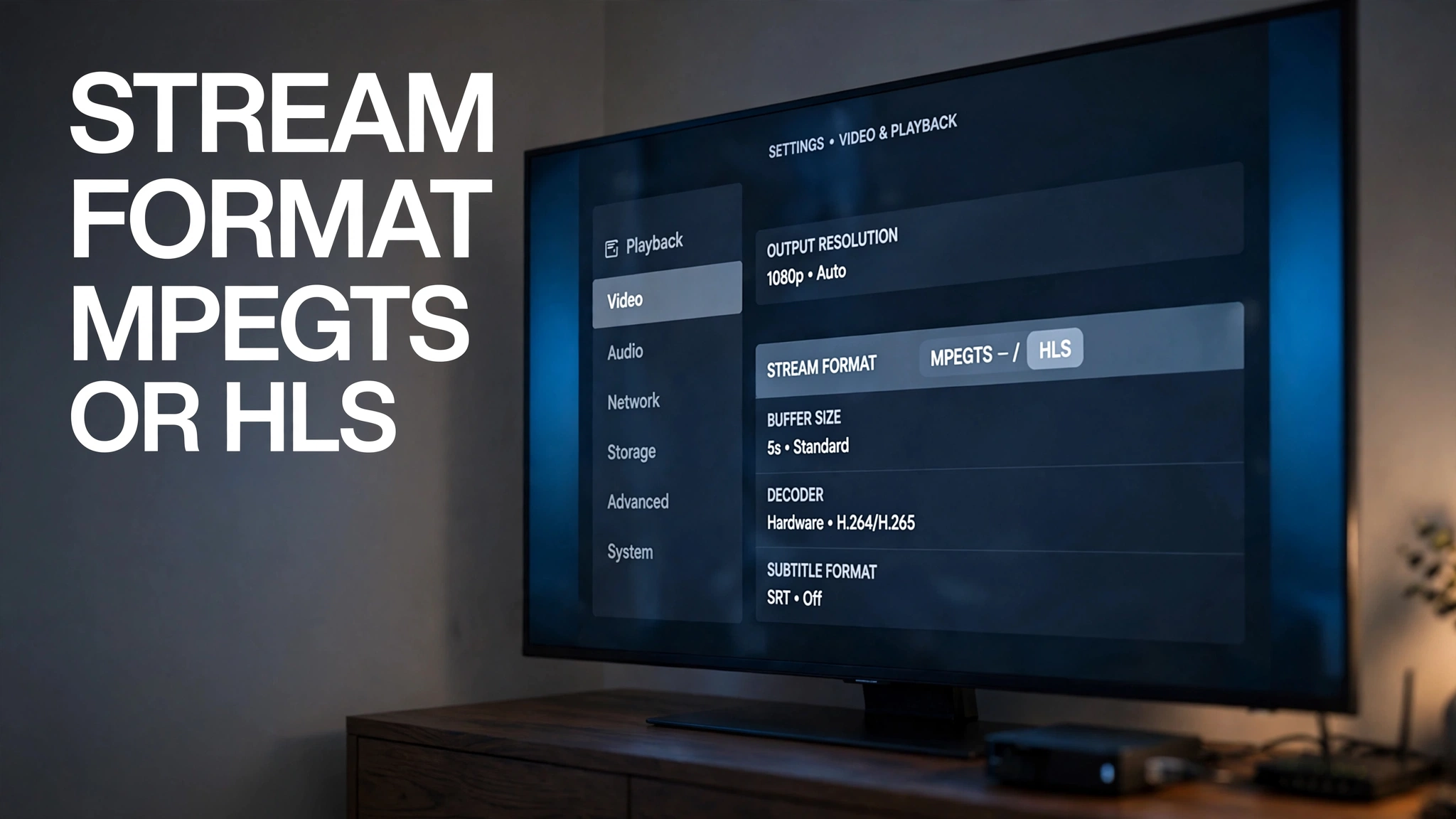
The stream format setting as it appears in a typical IPTV player’s playlist options.
Quick answer: The stream format MPEGTS or HLS setting changes how the stream is delivered to the app. It does not create higher quality, more bandwidth, or adaptive bitrate capability that the source does not already provide. MPEG-TS is a transport-stream format that multiplexes video and audio into packets; HLS is a delivery protocol that organizes media into segments listed in a playlist. If a channel fails on one, try the other. If it buffers on both, the format is not the issue.
What the Stream Format Setting Actually Does
Two Ways of Requesting a Stream
The first thing to clear up is that MPEG-TS and HLS are not two competing versions of the same thing. They sit at different technical levels, and treating them as equivalent is where most explanations go wrong.
MPEG-TS is a transport-stream format that multiplexes video, audio, and related data into packets for delivery. It predates internet streaming entirely and remains the packaging standard across broadcast television.
HLS is a delivery protocol that organizes media into segments and playlists. It breaks a stream into short segments, publishes a playlist file that describes where those segments are, and has the player fetch them in sequence over ordinary HTTP. Critically, those segments themselves have to be packaged in something — and one of the standard options is MPEG-TS. Apple’s HTTP Live Streaming documentation sets out both possibilities, with media packaged either as MPEG transport streams or as fragmented MP4 files.
So HLS can carry MPEG-TS segments. The two are not opposites. What your app is offering you is two different ways of requesting and receiving the stream, not two different video technologies. Every term used here is defined in our IPTV glossary.
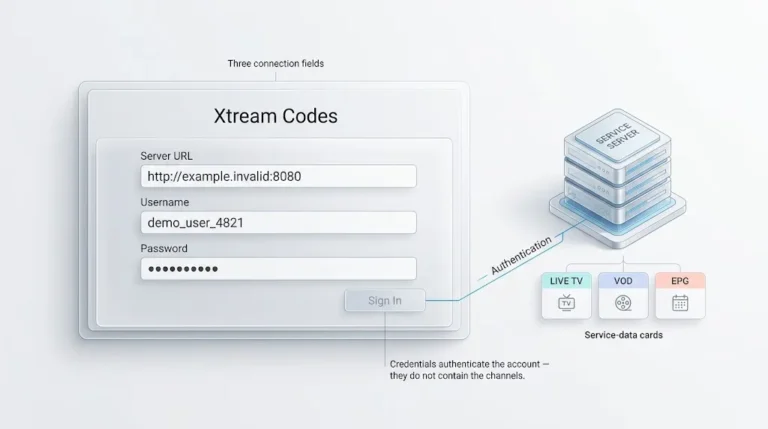
In Xtream-compatible setups, the setting may determine whether the application requests a continuous transport stream or an HLS playlist. The option is also commonly tied to Xtream Codes credentials specifically—in some players it does not appear at all for a plain M3U playlist because the format was already fixed by the URL your provider gave you.
What the Setting Does Not Change
This is the part worth committing to memory:
- It does not change the resolution or bitrate the provider encoded
- It does not increase your available bandwidth
- It does not add adaptive bitrate capability that the source does not offer
- It does not affect what your ISP does with the traffic
- It does not change which channels your subscription includes
The setting operates at one narrow point in a long delivery chain. Our breakdown of how IPTV actually works walks through the other stages, and most of the problems people try to solve with this setting live in those stages instead.
MPEG-TS: Transport Stream Delivery
In this context, requesting MPEG-TS means receiving the transport stream as a continuous flow of packets rather than through HLS’s playlist-and-segment model. Your player opens a connection and receives data steadily, decoding and displaying as it arrives.
Why MPEG-TS Can Start Faster
Because the player can receive the transport stream directly rather than first retrieving a playlist and then media segments, MPEG-TS can have a simpler startup path.
Actual startup time still depends on buffering configuration, server response, decoder initialization, and network conditions. A player set to hold a large buffer takes a moment to start regardless of which format it requested.
Where It Struggles
A continuous transport stream does not provide the same segment-level request and retry model as HLS. If data stops arriving, the player cannot simply request the next media segment as it can with HLS—it waits, and if the interruption outlasts the buffer, playback stalls or the connection drops.
MPEG-TS also depends on the player supporting it directly. Browsers generally cannot play a raw transport stream without additional software, which is why this format appears in dedicated IPTV applications rather than web players.

The format setting lives in the player app, one step from the end of a much longer delivery chain.
HLS: Segments and a Playlist
The m3u8 File Is a Playlist, Not a video.
This trips up a great many people. A .m3u8 file is a playlist, not the video media itself. It is a plain text document listing the segments that make up the stream, along with any alternative quality versions the provider has made available.
Your player reads that list, requests the segments it names, and assembles them into continuous playback. The IETF specification for HLS, RFC 8216, sets out this structure: a playlist file describing a series of media segments, delivered over standard HTTP. The same principle governs the M3U playlist as a directory rather than a video, one level up.
The Latency Trade-Off
Traditional segment-based HLS can introduce additional latency because playback depends on segments becoming available, and the player typically holds several in reserve before starting. That delay is a consequence of segment length and buffering depth, not a fixed property of the protocol.
Modern low-latency HLS configurations reduce that delay substantially by publishing partial segments before the full segment is complete. Whether any given provider uses them is a question about that provider’s encoding setup—not something your app’s format setting controls.
What HLS gains in exchange is robustness. Each segment is an independent HTTP request, so a failed one can be retried without tearing down the whole stream.
The Adaptive Bitrate Myth
Here is the claim you will find repeated across forums, reseller sites, and app guides: HLS detects your network speed and adjusts quality; MPEG-TS does not, so viewers with slower connections should switch to HLS.
The first half is true in principle. The conclusion does not follow.
What Adaptive Bitrate Actually Requires
Adaptive bitrate streaming needs two things to exist before a player can use it:
- Multiple encoded renditions of the same channel—the provider must have produced several quality versions and be hosting all of them
- A playlist that lists those renditions, so the player knows they exist and can switch between them
RFC 8216 describes exactly this arrangement: a playlist can reference variant streams representing different versions of the same content, which the client switches between as conditions change. Both parts are produced upstream by the service. Neither is created by your player.
Why Selecting HLS Does Not Create ABR
HLS can support adaptive bitrate streaming. Selecting HLS does not create adaptive bitrate streaming.
If the provider has encoded a single quality version of a channel, the playlist will list that one version, and your player will fetch its segments at that quality. The delivery method changed. The thing being delivered did not. There are no alternative renditions to switch down to, so there is nothing adaptive happening — regardless of what the setting says.
This is the single most consequential misunderstanding in this topic. People switch to HLS expecting the stream to gracefully degrade under load, find that it does not, and conclude their internet is at fault.
There Is No Connection-Speed Threshold
There is no general connection-speed threshold at which MPEG-TS automatically becomes the better choice. The result depends on the provider’s stream, your player, your device, and network conditions rather than a single bandwidth number.
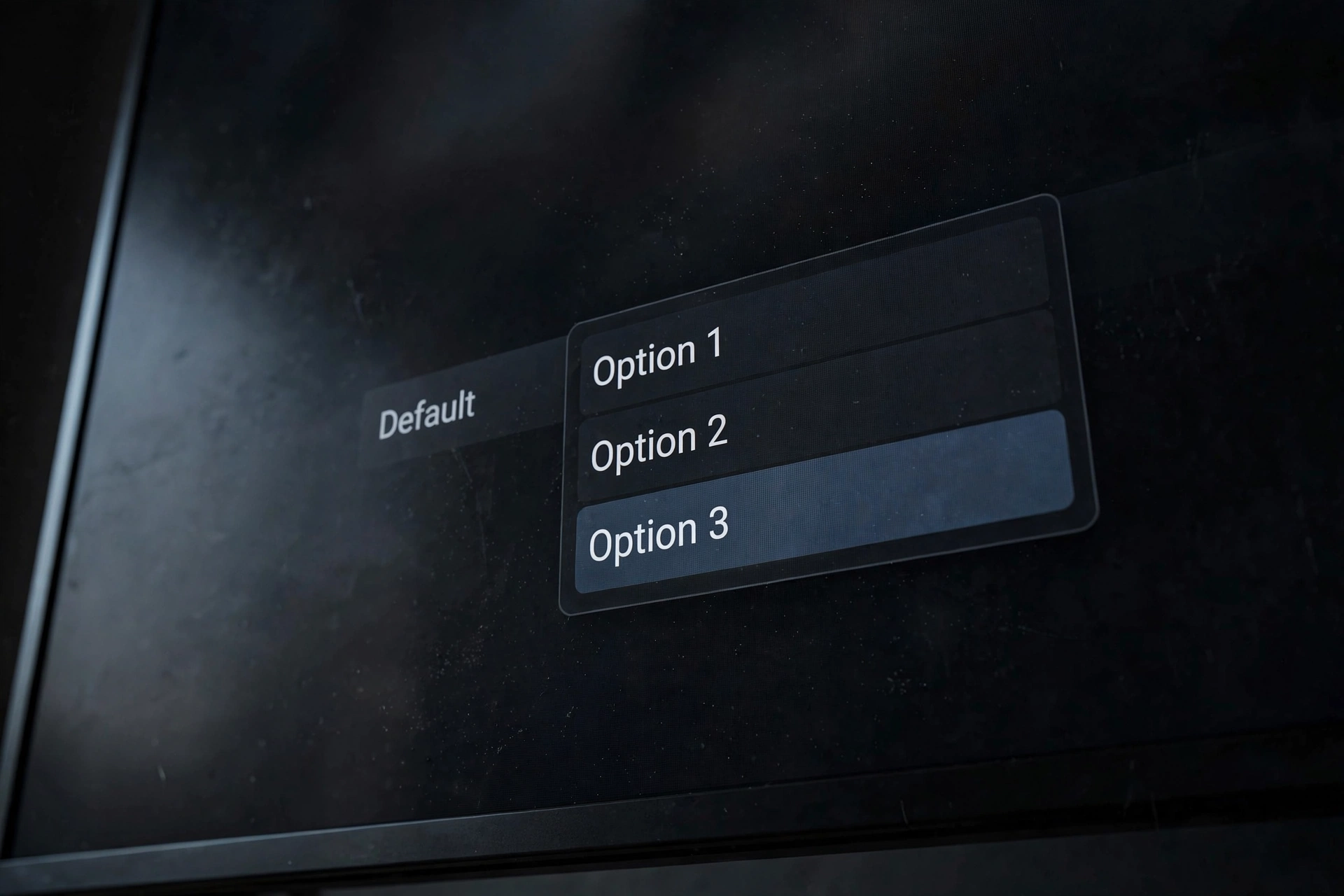
Default sits alongside the two named formats as a third choice — not as an automatic mode above them.
What “Default” Means
Default is app-specific, and this matters more than it sounds.
In some players it means the app will not force a particular output format and simply follows what the source provides. In others it represents an internal preference the developer chose or a fallback used when the source does not specify. The behaviour is not standardized across applications.
What “default” does not reliably mean is automatic optimization. It is not, by itself, a mode that tests your connection and picks the better option unless the application’s documentation explicitly says so. If that documentation explains the behaviour, it is the answer; if it does not, treat default as an unknown rather than a smart choice. Our IPTV setup guide for Canada covers where these options live during initial configuration.
Stream Format MPEG-TS or HLS: Which Should You Choose?
There is no universally correct answer, which is precisely why every source that gives you one is unreliable. What follows is a sequence of sensible steps rather than a verdict.
| Situation | Sensible first step |
|---|---|
| The provider recommends a format | Follow the provider’s supported format |
| One format fails to play | Test the other |
| Same stream buffers in both | Investigate the wider delivery path |
| HLS available, but only one rendition supplied | Don’t expect ABR from HLS alone |
| Unsure what “default” does | Check the app or provider documentation |
Start With What Your Provider Supports
Not every service offers both. If your provider supports only one format, selecting an unsupported alternative may cause the stream to fail to load or behave differently — the most common cause of a support ticket that did not need to exist.
Device and App Considerations

The setting’s name, location, and behaviour vary between applications. Some label it “Stream Format,” others “Output Format” or “Stream Type.” Some expose it per playlist rather than globally, and some do not expose it at all, using a fixed format chosen by the developer. Our comparison of the best IPTV app for Canadian viewers and the TiviMate review note how these players differ in what they expose. Finding no such setting is not a fault — it means the developer fixed the choice.
When the Stream Format Is Not the Problem
Test both formats. If buffering persists across both, changing the format is unlikely to address the underlying bottleneck.
The format setting sits at one point: where your app requests the stream. Problems originating anywhere else — at the provider’s server, in transcoding, at a congested delivery node, across your ISP’s network, on your home Wi-Fi, or in your device’s decoding — are unaffected by which format you request.
The symptom pattern is the useful signal. A channel that fails immediately on one format and plays on the other points at format support. A channel that plays a while then stalls on both points somewhere else entirely. Our complete IPTV fix guide for Canada works through those stages in order.
Conclusion
The stream format MPEG-TS or HLS choice is narrower than the internet makes it sound. Key points to carry forward:
- The setting changes how the stream is delivered to the app—it does not create higher quality, more bandwidth, or adaptive bitrate capability the source does not already provide
- MPEG-TS is a transport-stream format; HLS is a delivery protocol that can itself carry MPEG-TS segments
- An
.m3u8file is a playlist, not the video media itself - HLS can support adaptive bitrate, but selecting HLS does not create it—that requires multiple renditions the provider must supply
- Default is app-specific and is not a guarantee of automatic optimisation
- If both formats buffer the same way, the bottleneck is elsewhere
Test both, keep whichever plays reliably, and stop there. The remaining variables sit upstream of anything a settings menu can reach. For the wider picture, return to what IPTV is. Corrections and questions are welcome through our contact page.
Sources
- RFC 8216 — HTTP Live Streaming — IETF. The HLS protocol specification, covering playlist structure, media segments, and variant streams. Accessed 19 August 2026.
- HTTP Live Streaming — Apple Developer. Protocol overview, media packaging options, and low-latency HLS. Accessed 19 August 2026.