
By Noah MacKenzie — IPTV Apps & Devices Reviewer | IPTV Devices | Last updated: July 2026
Best IPTV device Canada searches usually assume a purchase is required. Often it isn’t. Before recommending anything to buy, this guide starts with a five-minute check that could save you money entirely—then covers exactly what to buy if you do need new hardware and why Fire Stick, Android boxes, and Samsung TVs dominate the Canadian market for reasons most comparison guides never explain. For the software side of this equation, see our Best IPTV App Canada guide.
Quick Answer
For most Canadian viewers, the best IPTV device depends on what they already own. Many Samsung Smart TVs, LG TVs, Android TV devices, and Firesticks already support the leading IPTV player apps — meaning new hardware often isn’t necessary. If buying new, the Amazon Firestick 4K offers the best value for most people, while an Android TV box or NVIDIA Shield suits those wanting more power.
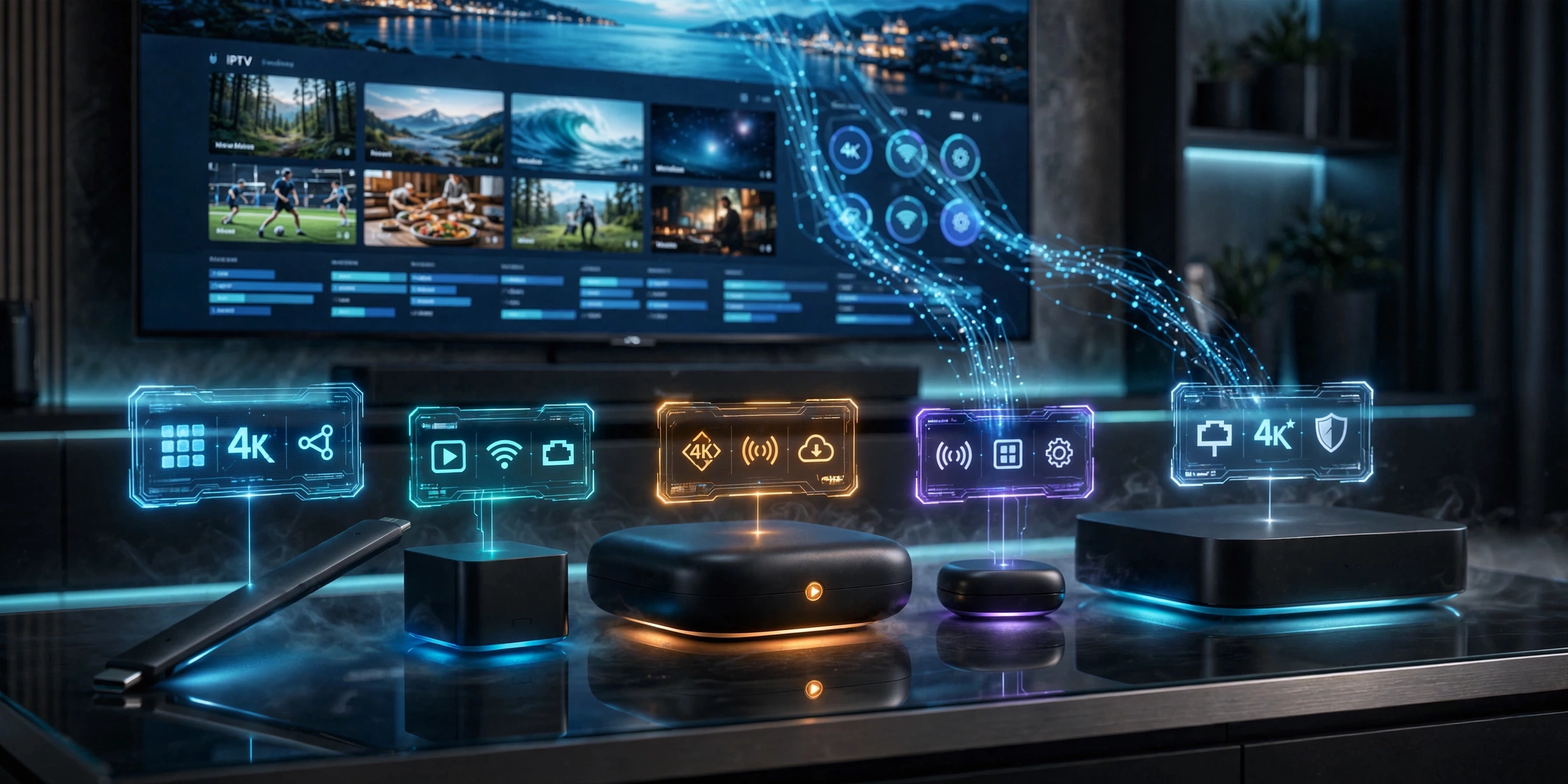
What Is the Best IPTV Device in Canada? Check This First
Before spending anything on a new IPTV device, check what is already in your living room. Many Canadians own hardware capable of running IPTV apps without realizing it—and the best IPTV device in Canada is often the one you already have.
Samsung or LG Smart TV From 2016 or Newer
Most modern Samsung (Tizen) and LG (webOS) smart TVs support IPTV player apps natively through their built-in app stores. No extra hardware required.
An Existing Android TV Box of Any Brand
If you already own one, it almost certainly supports TiviMate, IPTV Smarters Pro, or similar apps through the Google Play Store.
An Existing Firestick
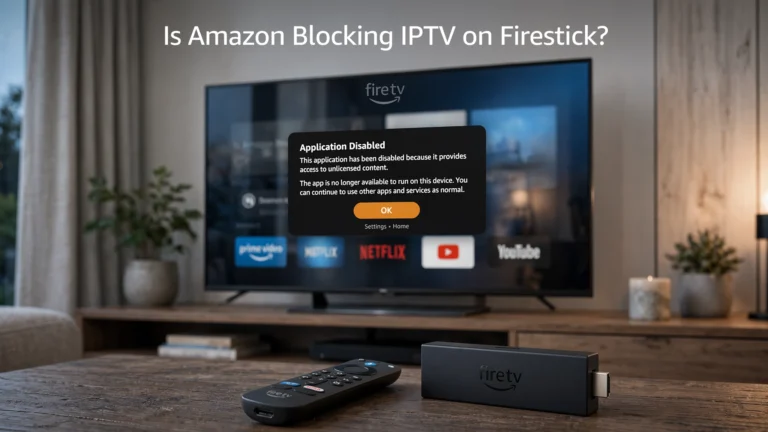
If you already own a Fire TV Stick, check its model and operating system before assuming that IPTV apps will work. Fire TV Sticks running Fire OS are Android-based and can support compatible Android apps and APK installation. However, Amazon has introduced Vega OS on newer Fire TV Sticks, starting with the Fire TV Stick 4K Select (2025), and the Fire TV Stick HD (2026) also runs on Vega OS. Vega is a separate platform that does not provide the same Android APK compatibility as Fire OS. If you specifically need to install an Android-based IPTV player through traditional sideloading, choose a compatible Fire OS model or an Android TV/Google TV device instead. A 4K model is not required simply to run an IPTV app; its main advantage is support for 4K playback and, depending on the model, additional hardware capability.
Key takeaway: Check your current TV and streaming devices before buying anything new — a compatible device is more common than most comparison guides suggest.
What Matters When Choosing an IPTV Device in Canada?
If you do need to buy something, these are the factors that actually affect your experience with any IPTV device in Canada — not marketing specs:
- Operating system: Fire OS (Firestick), Android TV, Tizen (Samsung), or webOS (LG) determines which apps are available and how easily you can install them
- App availability and sideloading support — Can the device install apps outside its official store when needed?
- Ethernet vs. WiFi: A wired connection eliminates the buffering caused by WiFi interference, which is particularly important for live sports
- Storage and RAM: Budget devices with 1GB RAM can struggle with EPG-heavy apps like Tivimate.
- Remote control quality: Voice search and simple navigation matter more day-to-day than raw processing power
- Long-term software updates: Cheap generic Android boxes often stop receiving updates within a year or two
Why Firestick, Android Boxes, and Samsung Dominate the Canadian IPTV Device Market
In my experience testing devices for IPTV specifically, the real reason Fire Stick, Android TV boxes, and Samsung Smart TVs dominate the Canadian IPTV device market isn’t primarily price or processing power—it’s how easily they accept app installations outside official stores.
Most dedicated IPTV player apps aren’t available through official Canadian app stores. Fire Stick and Android boxes handle this task natively through sideloading tools like Downloader—a five-minute process covered in our IPTV Setup Canada guide. Samsung’s app store situation is more restrictive for sideloading generally, but its native Tizen app ecosystem still covers the major IPTV players adequately for most users.
Devices that lock this down more tightly — standard Roku models, for example — become frustrating specifically for IPTV, even though they remain perfectly good streaming devices for Netflix, Prime Video, and similar licensed services.

Key takeaway: Sideloading ease—not processing power—is why Firestick, Android boxes, and Samsung dominate IPTV use in Canada and why standard Roku models frustrate IPTV users specifically.
Best IPTV Device Canada — Full Comparison Table
| Device | OS | IPTV App Support | Sideloading | Ethernet | 4K | Best For |
|---|---|---|---|---|---|---|
| Amazon Firestick 4K | Fire OS | ✅ Excellent | ✅ Easy | ❌ (WiFi only) | ✅ | Best overall value |
| Firestick 4K Max | Fire OS | ✅ Excellent | ✅ Easy | ❌ (WiFi only) | ✅ | Faster performance |
| Android TV Box (generic) | Android TV | ✅ Excellent | ✅ Easy | ✅ Most models | ✅ | Budget flexibility |
| NVIDIA Shield TV Pro | Android TV | ✅ Excellent | ✅ Easy | ✅ Built-in | ✅ | Power users, upscaling |
| Samsung Smart TV (Tizen) | Tizen | ✅ Good (native) | ⚠️ Limited | ✅ Built-in | ✅ | No extra hardware needed |
| LG Smart TV (webOS) | webOS | ✅ Good (native) | ⚠️ Limited | ✅ Built-in | ✅ | No extra hardware needed |
| Formuler Z-series | Linux-based | ✅ IPTV-optimised | N/A — purpose-built | ✅ Built-in | ✅ | Dedicated IPTV experience |
| MAG Box | Linux-based | ✅ Portal-based | N/A — purpose-built | ✅ Built-in | Varies | Stalker middleware users |
| Standard Roku | Roku OS | ⚠️ Limited | ❌ Locked down | ❌ (most models) | Varies | Non-IPTV streaming only |
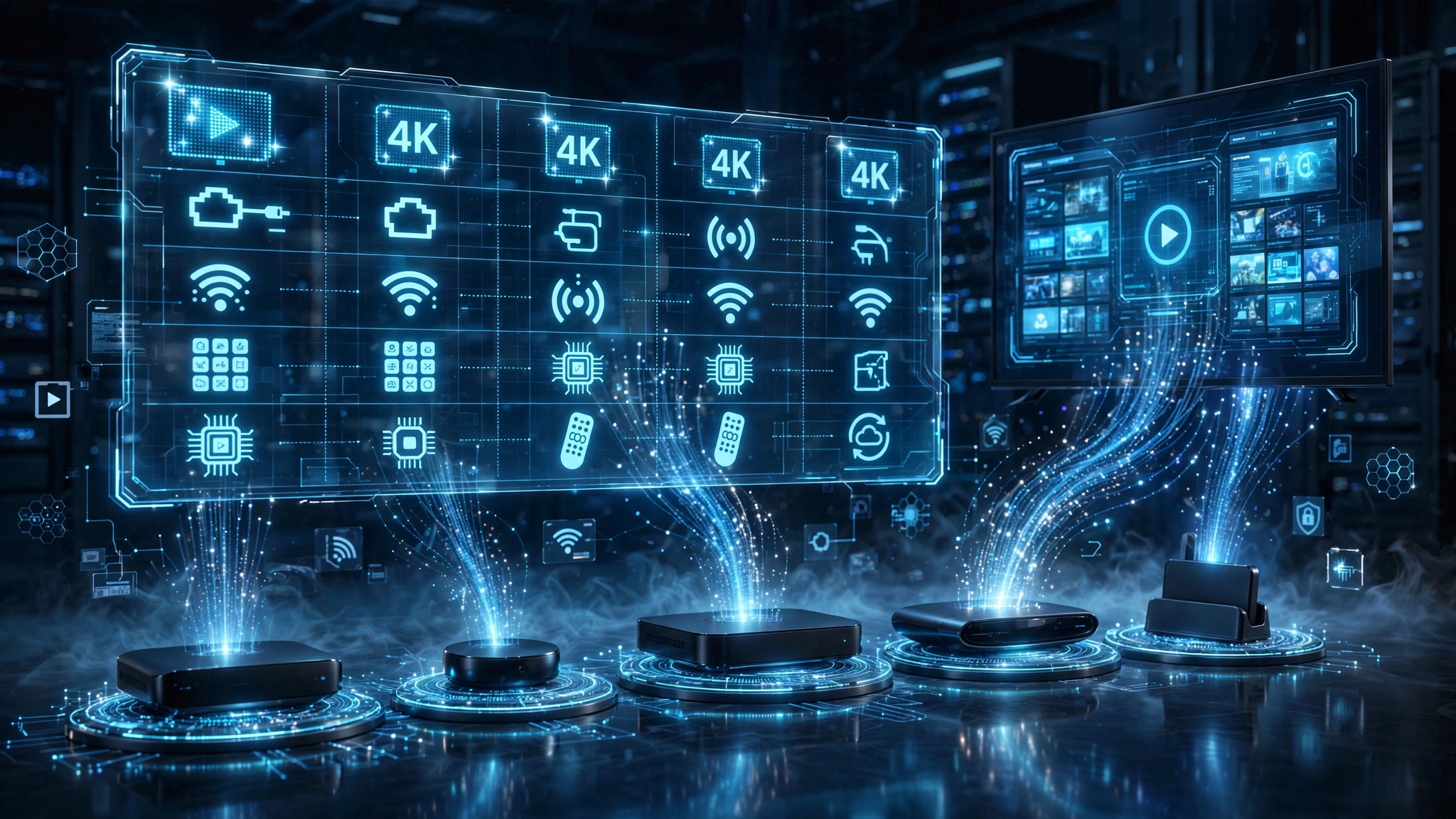
Best Budget IPTV Device Canada — Amazon Firestick 4K
The Firestick 4K remains the default recommendation for most people searching for the best budget IPTV device in Canada. It’s affordable, widely available, handles 4K content, and runs TiviMate and IPTV Smarters Pro without performance issues. Sideloading via Downloader takes about five minutes—see our Firestick IPTV setup guide for the full walkthrough. The main limitation is WiFi-only connectivity on standard models, which can matter for households with congested home networks.
Best IPTV Device for Samsung and LG Owners — Use What You Have
If you already own a Samsung (Tizen) or LG (webOS) smart TV from 2016 or later, buying additional hardware is usually unnecessary. Both platforms support compatible IPTV apps natively through their app stores, with built-in Ethernet for stable connections. The trade-off is a more limited app selection compared to Fire Stick or Android TV, since sideloading isn’t as straightforward—see our Samsung TV IPTV setup guide for compatible app options.
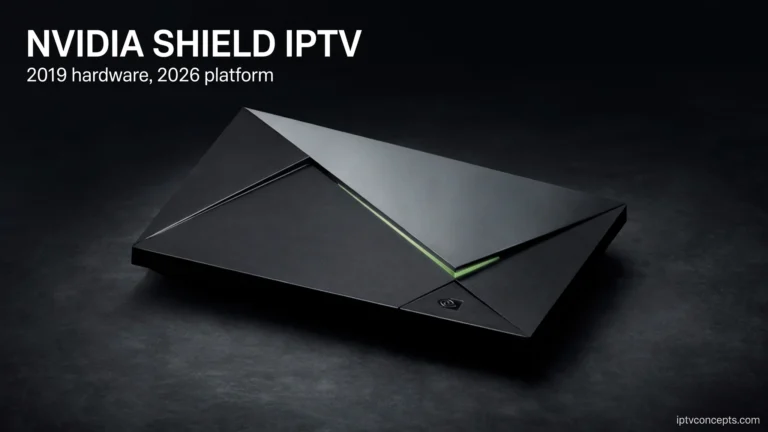
Best Premium IPTV Device Canada — NVIDIA Shield TV Pro
The Shield Pro is the strongest option for Canadian viewers who want the smoothest possible 4K experience — particularly for live sports, where its upscaling technology and built-in Ethernet noticeably reduce buffering compared to WiFi-only sticks. It runs full Android TV, meaning excellent app compatibility and easy sideloading. The trade-off is price — it costs significantly more than a Firestick for gains that matter most to viewers with large 4K displays and demanding daily use.
Dedicated IPTV Boxes for Canadian Viewers
Formuler and MAG boxes occupy a different category entirely. Rather than general-purpose streaming devices that happen to run IPTV apps well, these are purpose-built IPTV devices designed from the ground up around live TV playback.
Formuler Devices
Formuler Z-series devices typically ship with MyTVOnline pre-installed, designed specifically around IPTV playback and EPG presentation. They support standard M3U and Xtream Codes credentials, like a Fire Stick or Android box, but offer a more television-like remote and interface experience out of the box.
MAG Boxes
MAG boxes use Stalker middleware and portal-based connections rather than standard M3U or Xtream Codes credentials—see our IPTV Glossary for how portal connections differ. This makes them a distinct setup process from every other device in this guide, and they are typically supplied directly by specific IPTV providers rather than bought independently.
Both device types suit viewers who want a dedicated, cable-box-like experience and don’t need the device to double as a general streaming platform for Netflix or other services. A dedicated box adds cost without providing meaningful benefit for most Canadian households that are already using a Fire Stick or Android TV for other streaming.
Devices With Limitations for IPTV in Canada
Standard Roku models are excellent for licensed streaming services like Netflix and Disney+, but they present real limitations as an IPTV device specifically. Roku’s app store restricts sideloading in ways that Firestick and Android TV do not, which limits which IPTV player apps are practically usable.
This isn’t a flaw in Roku as a product — it reflects a different design philosophy focused on curated app store content rather than open installation.
If you already own a Roku and want to use it for IPTV, the practical workaround is connecting a Firestick or Android box to a spare HDMI port rather than relying on Roku directly.

Which IPTV Device Should You Buy in Canada?
- You own a Samsung or LG smart TV (2016+) — Use it. No new hardware needed.
- You want the cheapest new device that works well—Amazon Fire Stick 4K.
- You want the smoothest 4K experience for live sports—NVIDIA Shield TV Pro.
- You want a cable-box-like dedicated IPTV experience—a Formuler or MAG box.
- You own a standard Roku—add a Fire stick or Android box to a spare HDMI port instead of relying on Roku for IPTV.
Legal Note: This article compares streaming hardware only. IPTV Concepts does not sell, recommend, or endorse any specific IPTV subscription service. Owning any device on this list does not itself provide access to television content — a separate subscription is required. Always ensure your use of any streaming service complies with Canadian copyright law and CRTC regulations. See our Disclaimer and Affiliate Disclosure for full details.
Commercial Fairness
| Rule | Status |
|---|---|
| No sponsored rankings | ✅ |
| No paid placement | ✅ |
| Devices ranked by testing criteria only | ✅ |
| Affiliate links do not affect ranking | ✅ |
Bottom Line
Three scenarios to help you decide on the best IPTV device for your situation:
You haven’t checked what you already own—start there. A Samsung or LG smart TV from 2016 or later, or an existing Android box or Firestick, likely already works. See our Best IPTV App Canada guide to match an app to what you have.
You need to buy new hardware: the Fire Stick 4K covers most needs affordably. Choose the NVIDIA Shield Pro only if you specifically need Ethernet and upscaling for demanding 4K use.
You want the traditional cable-box feel—a Formuler or MAG box provides that experience at a higher cost than general-purpose streaming devices.
Explore More
IPTV Devices
- Amazon Firestick for IPTV Canada: Full Review (coming soon)
- NVIDIA Shield IPTV Canada: Is It Worth It? (coming soon)
- Best Android TV Box for IPTV Canada (coming soon)
- MAG Box Canada: Setup and Review (coming soon)
- Formuler Z8 Canada: Full Review (coming soon)
Related Guides
Sources:
- Amazon Fire TV — accessed July 2026
- NVIDIA Shield TV — accessed July 2026
- Android TV — accessed July 2026
- Samsung Smart TV Apps—accessed July 2026