
Your IPTV provider sent you a link to an app with their name on it. You install it, and something feels off — not wrong, just familiar. The layout matches screenshots you saw on a forum for a completely different service. The menus sit where you expected. If you have searched XCIPTV trying to work out why, this article explains what is actually going on, and it is not what most search results suggest – nor what you would guess from our guide to the best IPTV app in Canada.
The answer has nothing to do with copying. It is a business model, and once you understand it, several other confusions about IPTV apps resolve at the same time — including why comparing players by their interface tells you less than you would think.
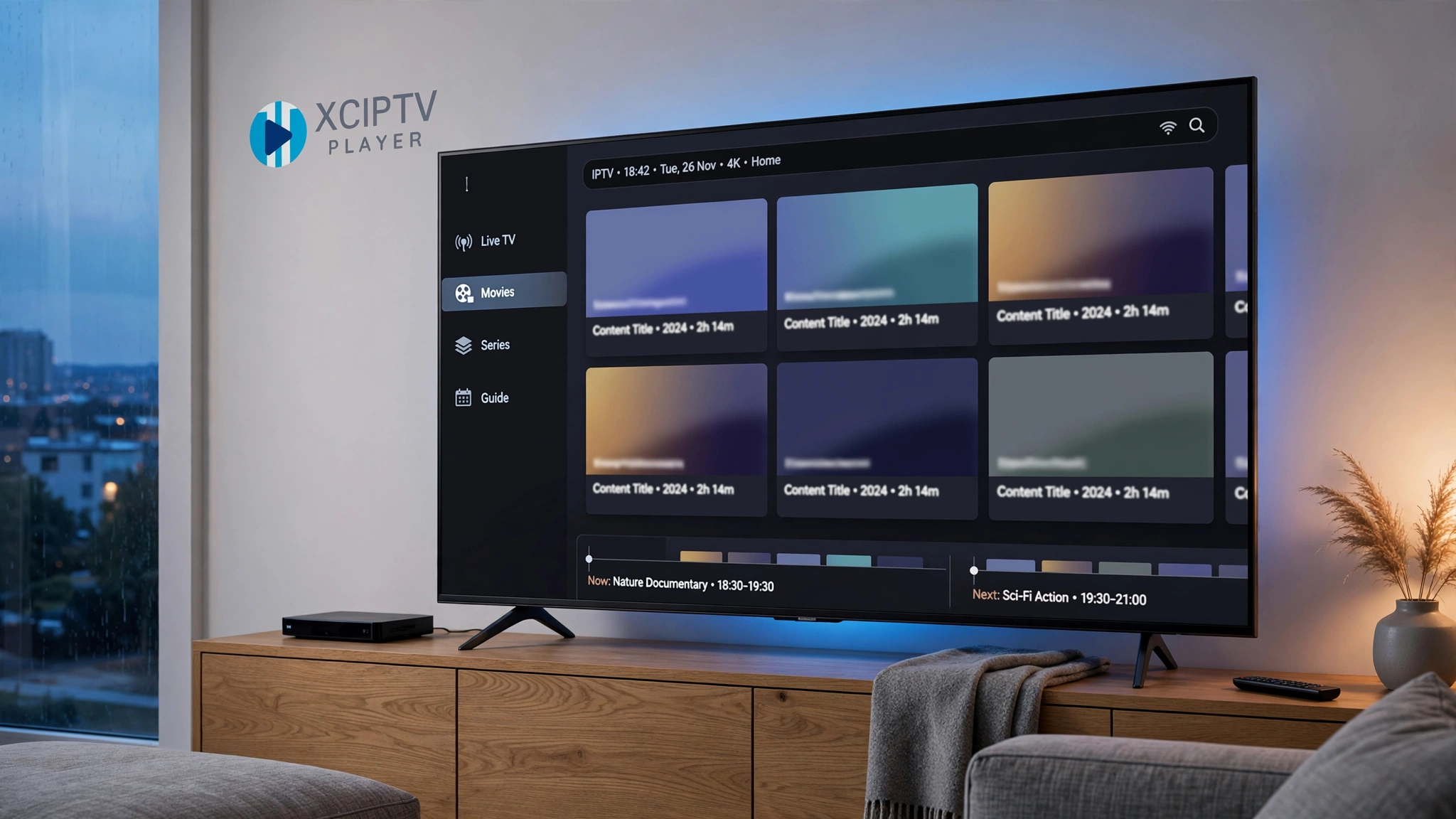
Quick answer: XCIPTV is a media player published by Ottrun, and Ottrun also licenses its players to IPTV providers who ship them under their own branding through their own developer accounts. That is why an app carrying your provider’s name can look almost identical to XCIPTV. Separately, other publishers have listed apps using the XCIPTV name that are not the same product. Similarity is evidence to investigate, not proof of identity.
Why Your Provider’s App Looks Familiar
The Same Interface Under Different Names
Spend any time in IPTV forums and you will notice something odd: dozens of apps, sold by unrelated services in unrelated countries, that navigate almost identically. Live TV, movies, series, catch-up, laid out the same way, responding the same way.
The usual explanations are wrong. It is not that everyone copied one design, and it is not coincidence. It is that a relatively small number of companies build these players, and they sell them to providers rather than to viewers.
What a White-Label Player Is
A white-label product is built by one company and sold under another company’s brand. The customer buying the branded version is not the end user — it is the business that wants a product without building one.
Ottrun, the company behind XCIPTV, describes exactly this arrangement. On its own site, it says it has been building streaming apps since 2010, that its players run on more than 30 million devices, and that providers receive the same apps its largest customers ship — branded as the provider’s own and published under the provider’s own developer account.
Read that last part again, because it is the whole explanation. The app is not merely similar to XCIPTV. In the white-label case it is the same underlying player, wearing a different name, listed by a different publisher. If any of the terminology here is unfamiliar, our IPTV glossary defines it.
What XCIPTV Actually Is
The XCIPTV Player Listed by Ottrun
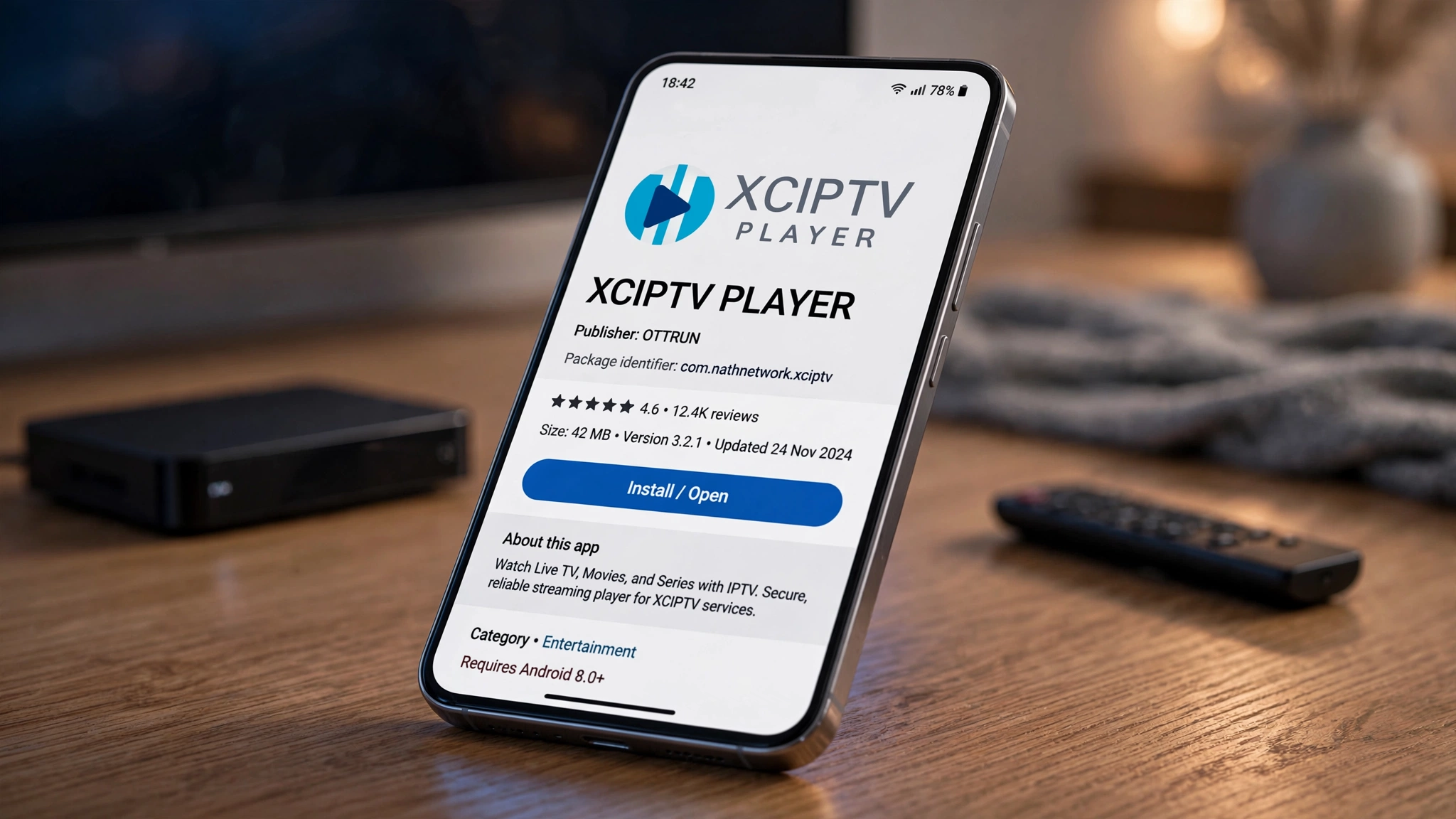
The Android application is listed on Google Play as XCIPTV PLAYER, with the package identifier com.nathnetwork.xciptv. Its listing attributes the app to the Ottrun team, and Ottrun’s own website is the publisher’s home.
That package identifier matters more than the name. Names can be changed; identifiers are how a platform distinguishes one app from another.
Three Different Things People Call XCIPTV
This is where nearly every article on this topic goes wrong. “XCIPTV” is used for three distinct things, and conflating them produces bad conclusions in both directions.
| What it is | What we can say about it |
|---|---|
| The XCIPTV listing attributed to Ottrun | The application published under the identifier above, carrying Ottrun’s stated terms |
| An app using the XCIPTV name from another publisher | Shares the name; not established to be the same product |
| A provider-branded app built on Ottrun’s solution | Carries a different name and publisher, and may be running the same underlying player |
The governing principle for all three: similarity is evidence to investigate, not proof of identity. An app that looks like XCIPTV may be a white-label build, may be an unrelated player with a conventional layout, or may be something else entirely. Looking at it will not tell you which.
What the Store Listing States
The Google Play listing is explicit about the app’s scope. It states that XCIPTV PLAYER does not supply or include any media or content, that users must provide their own content from storage they own, and that the app has no affiliation with any media content suppliers or providers. It further states that watching content that would otherwise be paid for is not endorsed or approved by the Ottrun team.
Every “XCIPTV subscription” advertised online is therefore something else — a service being sold by a third party that happens to work with the player. The player and the service are separate purchases from separate parties.
What the Player Does and Does Not Do
Login Methods and Guide Data
The listed feature set covers what most IPTV players offer: live channels with an electronic programme guide, catch-up, video on demand with title information, series organised by season and episode, favourites, backup and restore, multi-device sync, and scheduled recording to internal or external storage.
Credentials generally arrive in one of two shapes — a playlist URL, or a server address paired with a username and password for an Xtream-compatible API. Which one you have determines which login option applies. Our IPTV setup guide for Canada covers where those credentials come from, and how IPTV actually works explains what happens once the player has them.
What It Cannot Do
- It cannot supply channels or content — that is the service’s role
- It cannot repair a stream the provider is delivering badly
- It cannot make unauthorised content authorised
- It cannot fix rejected credentials or an expired account
- It cannot tell you who built the app you are holding
How to Tell What You Are Actually Running
Check the Publisher, Not the Icon
Open the store listing for the app you have installed and read the publisher name and the package identifier. Those two fields are assigned by the platform and are far harder to imitate than an icon or a colour scheme.
If the listing names your provider, you are looking at a provider-published app — which is consistent with a white-label arrangement but does not prove one. If it names Ottrun, you are looking at the listing attributed to them. If it names a company you have never heard of and the app carries the XCIPTV name, that is worth pausing over.
What the Interface Cannot Tell You
Here is the limit worth internalising. The interface tells you almost nothing about origin.
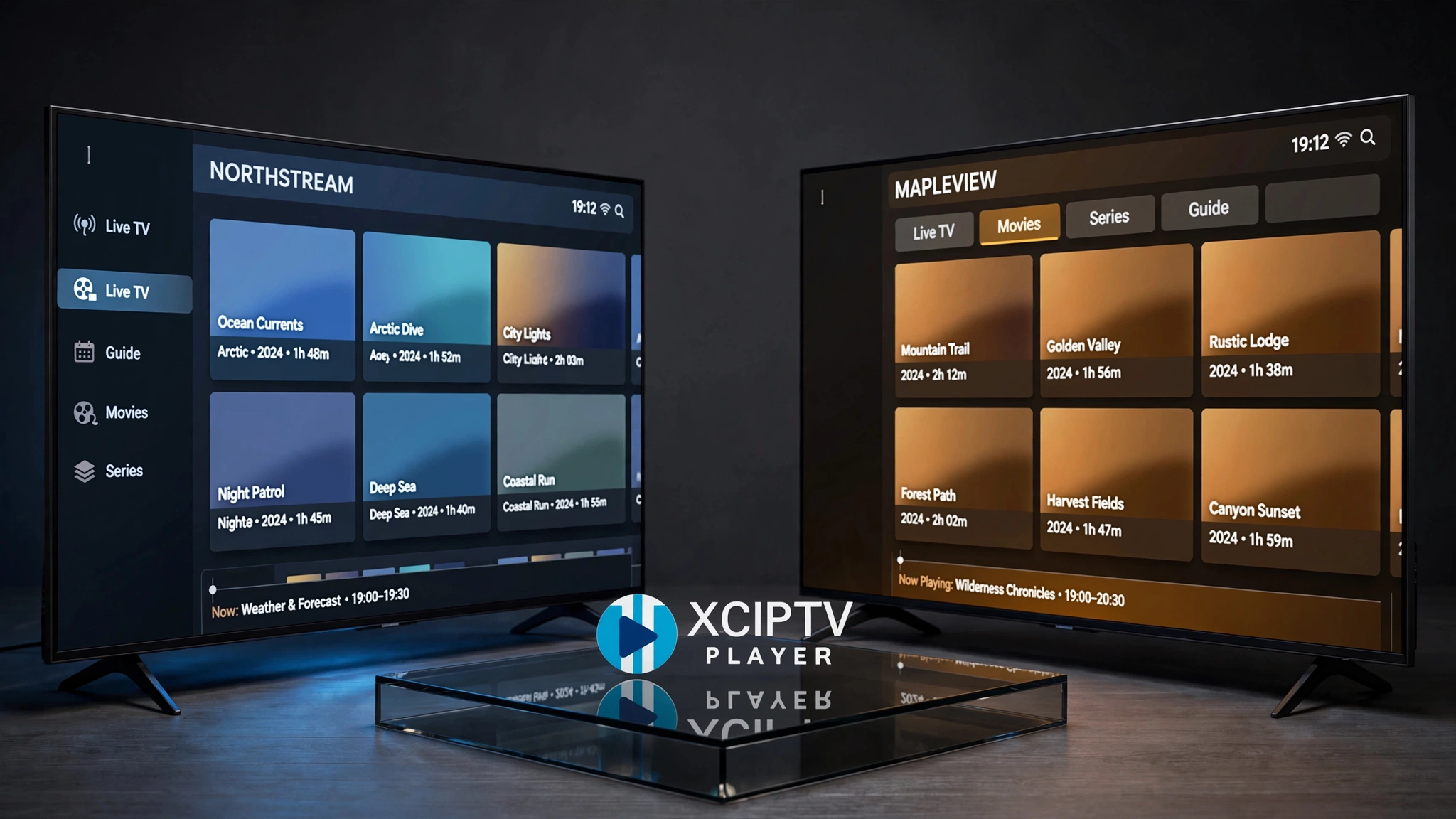
A white-label build and the original will look nearly identical, because they are built from the same source. An unrelated player may look similar simply because IPTV apps converge on the same layout — live, movies, series, catch-up is close to a genre convention. And an app that looks nothing like XCIPTV might still be built on a licensed solution from the same or another vendor with heavier customisation.
Visual resemblance is a starting point for a question, never an answer to one.
Be Careful With Apps Using the XCIPTV Name
Several applications carrying the XCIPTV name from publishers unrelated to Ottrun have appeared on Google Play and then been removed — a pattern visible across store records through the first half of 2026. On the App Store, an app listed under a similar name from an individual developer is a content-discovery tool that explicitly does not support playback within the app at all.
The point is not to catalogue them. It is that the presence of “XCIPTV” in a listing title establishes nothing about who built it or what it does. Check the publisher, and prefer the store’s own listing over any site offering a download.
We do not publish installer codes, sideloading instructions, or third-party download links — and sites presenting themselves as the official home of this app while distributing installer files are common enough that the caution is worth stating plainly.
XCIPTV and Canadian Streaming Devices
Compatibility depends on the specific build a publisher or provider distributes, not on the XCIPTV name. Two apps carrying that name may target different platforms entirely.
The Amazon question is the one that catches Canadian buyers. Amazon has begun moving its Fire TV Stick line from Fire OS to Vega OS. In announcing Vega Developer Tools, Amazon described the Fire TV Stick 4K Select as its first stick running Vega, an operating system built specifically for its devices on a Linux foundation. Fire OS, by contrast, is Android-based.
The Fire TV Stick 4K Select and the 2026 Fire TV Stick HD run Vega; the 4K Max, 4K Plus, 4K, Fire TV Cube, and the 2024 Fire TV Stick HD remain on Fire OS. Because Vega is a separate platform, Android package installation instructions written for Fire OS do not apply there — a Vega device runs what its own store offers.
Two different devices currently use the Fire TV Stick HD name: the 2024 model runs Fire OS, the 2026 model runs Vega. Our best IPTV device guide for Canada works through the hardware, and the Firestick IPTV setup guide covers what applies on Fire OS models.
Is XCIPTV Legal?
This is the most repeated question on the topic in Canadian search results, and the answer is the same one that applies to every media player.
The software is ordinary software. What determines lawfulness is the content it is pointed at — what that content is, where it comes from, and whether the source holds the rights to distribute it. The same player used with authorised credentials and unauthorised ones is the same player; the difference sits entirely on the other side of the login screen.
This is why the question is rarely the useful one. What you are connecting it to matters; what the app is called does not. Our guide to whether IPTV is legal in Canada covers the Canadian framework, and this site’s disclaimer sets out the limits of what any of this represents.
Where XCIPTV Fits Among Canadian IPTV Players
Two situations point elsewhere, and neither concerns which player is better.
The first is platform. If your device’s store does not carry the build you need, the comparison ends there. The second is that players differ in how they handle guide data, recordings, and multiple accounts — differences that matter to some viewers and not others.
For a closer look at one alternative and its own platform limits, the TiviMate review covers where that player runs and where it does not.
Conclusion
XCIPTV is best understood as a player that reaches viewers through more than one route. Key points to carry forward:
- Ottrun licenses its players to providers who ship them branded as their own, under their own developer accounts — which is why a provider-named app can look like XCIPTV
- Three different things get called XCIPTV: the listing attributed to Ottrun, apps from other publishers using the name, and provider-branded white-label builds
- Similarity is evidence to investigate, not proof of identity
- The publisher name and package identifier on a store listing tell you more than the interface ever will
- The player supplies no channels and no content — a service is a separate purchase from a separate party
- Compatibility depends on the specific build, and Amazon’s Vega devices do not accept Android package installation
- Lawfulness follows the content and its source, not the software
If the app your provider gave you looks like something you have seen before, that is normal and usually harmless. Check the listing rather than the layout. For the wider comparison, return to our best IPTV app in Canada guide, and our contact page is open if something here needs correcting.
Sources
- XCIPTV PLAYER — Google Play. Package identifier, feature set, and the stated terms that the app supplies no media or content. Accessed 22 August 2026.
- Ottrun — Ottrun. The company’s own description of its white-label player licensing, including publication under the provider’s developer account. Accessed 22 August 2026.
- Announcing Vega OS and Vega Developer Tools — Amazon Developer. Vega OS is the platform for the Fire TV Stick 4K Select, built on Linux components. Accessed 22 August 2026.