
Best IPTV device Canada searches usually assume a purchase is required. Often it is not. Before recommending anything to buy, this guide starts with a five-minute check that may save you the money entirely — then covers what to buy if you do need new hardware, what each platform actually allows, and what the main categories cost in Canada right now.
For the software side of the equation, see our comparison of the best IPTV app in Canada.
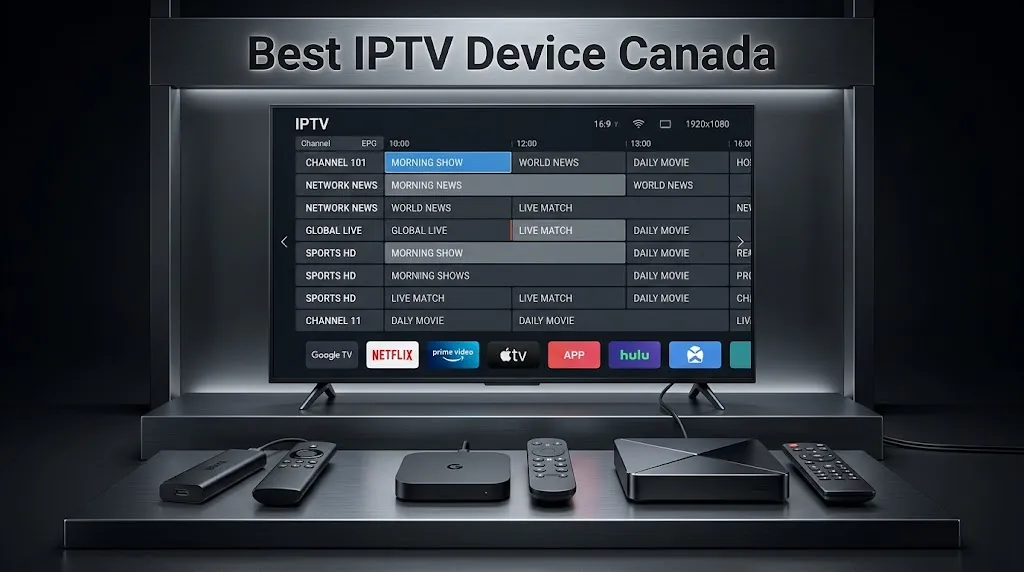
Quick answer: For most Canadian viewers the best IPTV device is the one already connected to the television. Many Samsung and LG smart TVs, Android TV and Google TV boxes, Apple TVs and Fire TV Sticks can already run a compatible player, which means new hardware is often unnecessary. If you are buying, a Google TV or Android TV box is the least restricted route, and a premium Android box earns its price only on large screens with heavy live-sport use.
Check This First
Before spending anything, check what is already in your living room. Compatible hardware is more common in Canadian homes than comparison guides suggest, and each of the four common platforms answers the question differently.
Samsung and LG Smart Televisions
Both platforms carry IPTV players in their own stores, and both have built-in Ethernet. Availability varies by country and model year rather than by age alone, so check your own set rather than assuming a cut-off date. Our Samsung TV and LG TV guides cover how to check what yours carries.
Android TV and Google TV Boxes
Players install from the Google Play Store like any other app. If you already own one of these, you have the least complicated platform for IPTV and nothing to buy.
Apple TV
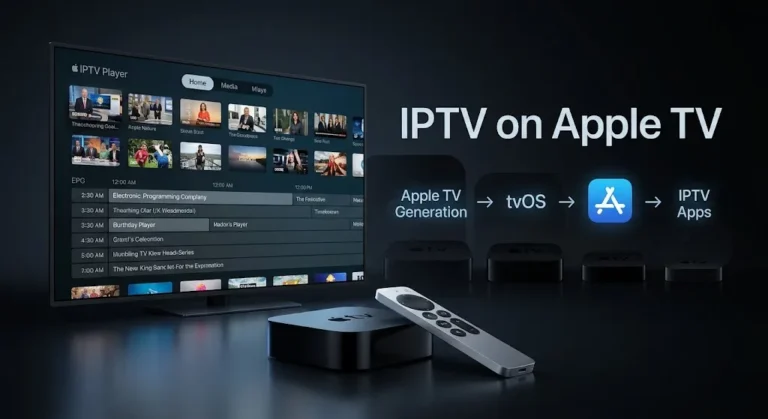
Players install from the tvOS App Store normally. What varies is which ones your particular model can install, because listings set a minimum tvOS version and your hardware determines how high you can go — traced in IPTV on Apple TV.
Fire TV Sticks
Check the model before assuming anything. Amazon has begun moving the line from Fire OS, which is Android-based, to Vega OS, which is not, and the two draw on different app catalogues. Settings → My Fire TV → About settles it in thirty seconds, and our Firestick IPTV setup guide sets out which models run which.
Key takeaway: start with the shelf, not the shop. A device you already own is the cheapest answer, and often the right one.
What Actually Matters When Choosing
If you do need to buy, these are the factors that affect the experience — not the marketing specifications.
The Platform and Its App Catalogue
Fire OS, Vega OS, Android TV, Google TV, Tizen, webOS and Roku OS each carry a different set of players. This is the first filter and it removes more options than any other. Decide the platform before you compare prices, because a cheaper device on a narrower catalogue is not a saving.
Ethernet, Memory and Decoding
Ethernet eliminates one variable entirely, and it matters most during live sports when an entire neighbourhood is streaming at once. Most sticks are Wi-Fi only; most boxes have a port.
Memory shows itself on large channel lists. Budget devices with 1 GB of RAM struggle with thousands of channels and heavy guide data.
Decoding capability is not a simple yes or no. Codec support varies by profile, bitrate and resolution, which is why a device can play most channels and go black on one — covered in IPTV black screen.
Update Support
Inexpensive unbranded boxes frequently stop receiving updates within a year or two. An app that stops updating eventually stops meeting store requirements, and a device that stops updating eventually stops running current apps. This is the maintenance question we worked through in GSE Smart IPTV, applied to hardware rather than software.
Why Some Platforms Suit IPTV Better Than Others
The differences between these devices are less about processing power than about what each platform’s store carries.
Where Each Platform Gets Its Players
Android TV and Google TV draw on the Google Play Store, which lists the widest selection of IPTV players. Apple TV has its own catalogue on tvOS — smaller, but actively maintained. Samsung’s Tizen and LG’s webOS each carry third-party players submitted by independent developers and approved by the platform, which is why availability shifts between countries and model years.
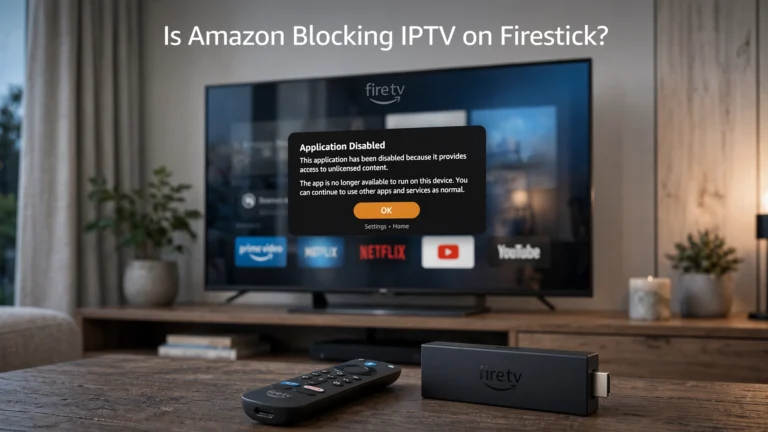
Fire TV is the category that changed. Devices running Fire OS draw on the Amazon Appstore; newer Vega OS devices draw on a separate catalogue built for that platform. The two are sold under the same product family, which is where most of the confusion originates. Separately, Amazon began blocking the installation of specific applications on Fire OS devices in early 2026 — a different event from the Vega transition, roughly a year apart. We have kept them apart in is Amazon blocking IPTV on Firestick?
Roku sits at the other end. It is a capable streaming device for licensed services, but its store carries few IPTV players, which makes it a poor fit for this specific use even though it is a good product generally.
What We Do Not Publish
Many dedicated IPTV players are not carried in every Canadian store, and the common answer online is to install them from outside it. We do not publish those routes.
Where a player is available for your device through its own store, install it from there. Where it is not, that limitation is worth knowing before you buy the hardware rather than after — which is exactly why the platform belongs at the top of your checklist rather than the bottom.
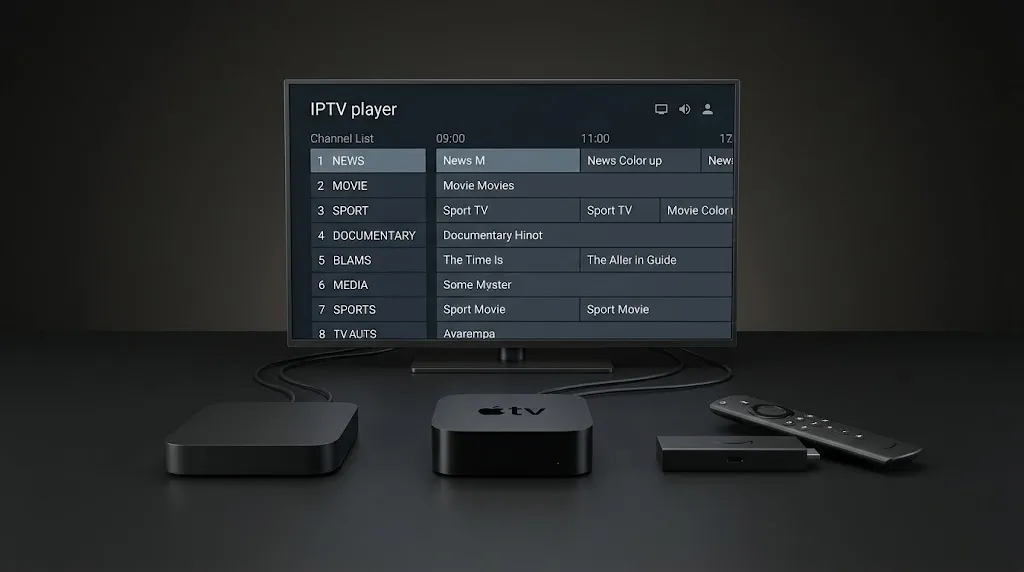
Best IPTV Device Canada — Full Comparison
| Device | Platform | App source | Ethernet | 4K | Best for |
|---|---|---|---|---|---|
| Fire TV Stick 4K Max | Fire OS | Amazon Appstore | Adapter required | Yes | Widest Fire OS catalogue |
| Fire TV Stick 4K | Fire OS | Amazon Appstore | Adapter required | Yes | Lower-cost Fire OS option |
| Fire TV Stick 4K Select (2025) | Vega OS | Vega catalogue | Adapter required | Yes | Mainstream streaming; fewer IPTV players |
| Fire TV Stick HD (2026) | Vega OS | Vega catalogue | Adapter required | No | Mainstream streaming; fewer IPTV players |
| Android TV / Google TV box | Android TV | Google Play Store | Most models | Yes | Fewest restrictions, budget flexibility |
| NVIDIA Shield TV Pro | Android TV | Google Play Store | Built-in gigabit | Yes | Large channel lists, upscaling |
| Apple TV 4K | tvOS | tvOS App Store | Built-in on some models | Yes | Apple households |
| Samsung smart TV | Tizen | Samsung store | Built-in | Yes | No extra hardware needed |
| LG smart TV | webOS | LG Apps | Built-in | Yes | No extra hardware needed |
| Formuler Z-series | Android-based | Provider or Play Store | Built-in | Yes | IPTV-first interface |
| MAG box | Linux, Android TV or RDK-V | Operator-supplied | Built-in | Varies by model | Portal-based operator services |
| Roku | Roku OS | Roku Channel Store | Some models | Varies | Licensed streaming, not IPTV players |
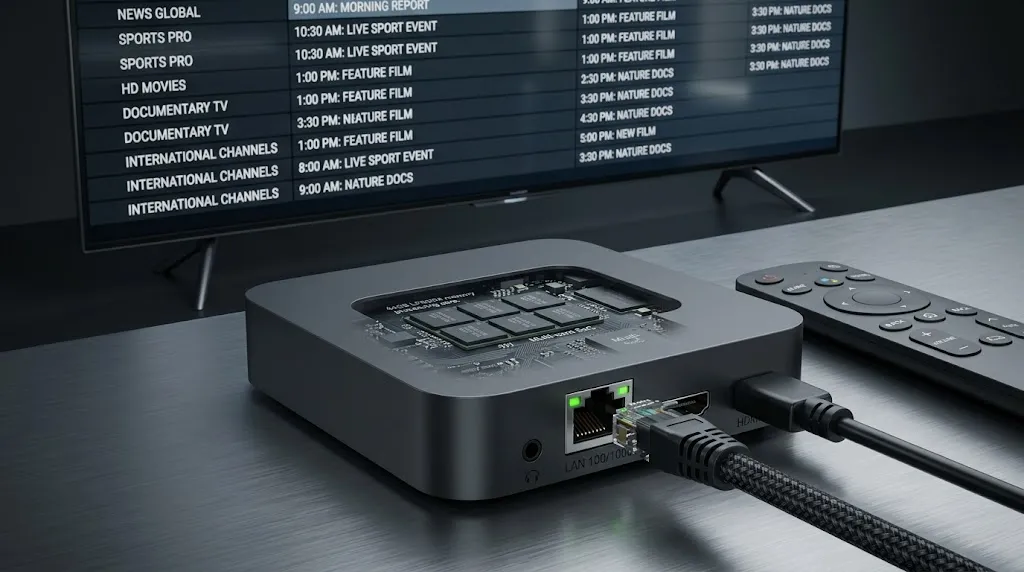
Choosing by Category
The table narrows the field. These five cases cover where most Canadian households land.
Best Value — Streaming Stick or Budget Box
For most households the choice is between a streaming stick and an entry-level Google TV box, and the deciding factor is usually Ethernet.
Sticks are compact, inexpensive and Wi-Fi only. They handle 4K and run the major players comfortably, and on a stable home network they are enough. Where Wi-Fi is congested or live sport matters, the absence of a wired port becomes the limitation — an adapter exists, at which point a box with a built-in port starts looking simpler.
Entry-level Google TV and Android TV boxes cost modestly more, include Ethernet on most models, and draw on the Play Store’s wider selection. For a first IPTV device this is the route with the fewest surprises.
For Samsung and LG Owners
If your television carries a compatible player in its own store, additional hardware is usually unnecessary. The app runs on the set itself, over a wired connection.
The trade-offs are real. The catalogues are smaller than the Play Store’s, availability varies by region and model year, and several players on these platforms work differently from what Android users expect — activating by the television’s MAC address, with the playlist registered on a web portal rather than typed into the set.
One correction worth carrying: Android package files cannot be installed on Tizen or webOS through developer mode. That advice migrated across from Android instructions and does not apply here.
Premium — NVIDIA Shield TV Pro
The Shield Pro remains the strongest option for viewers who want the smoothest 4K experience, particularly for live sport. Gigabit Ethernet, enough processing headroom for very large channel lists, and upscaling that visibly sharpens lower-resolution channels on a big panel.
The trade-off is price — roughly three times a streaming stick, for gains that matter most on a large 4K display with demanding daily use. On a 1080p television, most of what you are paying for is not visible. Why hardware from 2019 still holds this position is covered in our NVIDIA Shield IPTV guide.
Dedicated IPTV Boxes
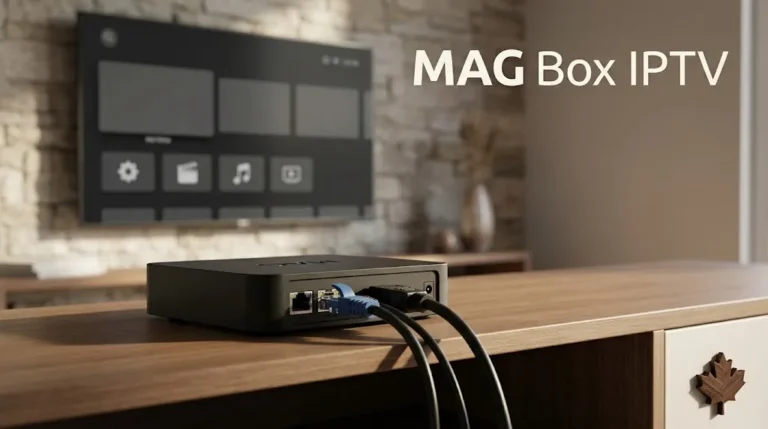
Formuler and MAG boxes occupy a different category. Rather than general-purpose devices that happen to run IPTV players well, these are built around live television from the start.
Formuler Z-series devices are Android-based and typically ship with the manufacturer’s own IPTV-oriented interface pre-installed. They accept standard M3U and Xtream Codes credentials like any Android device, but the remote and interface are built for live television rather than app browsing.
MAG boxes are operator hardware. Traditional models connect through a portal address and are authorised by the device’s MAC address rather than through a player you choose, which makes the setup fundamentally different from everything else here. The brand also spans Linux, Android TV and RDK-V models that behave differently from one another — set out in MAG box IPTV.
Both suit viewers who want a dedicated, cable-box-like experience and do not need the device to double as a general streaming platform. For a household already using a Google TV box or an Apple TV for other services, a dedicated box adds cost without adding much.
Devices With Limitations
Roku is excellent for licensed streaming services and limited for IPTV specifically, because its store carries few player applications. This is a design philosophy rather than a flaw — a curated catalogue rather than an open one.
If you already own a Roku and want IPTV, the practical answer is a second device on a spare HDMI input rather than working against the platform.
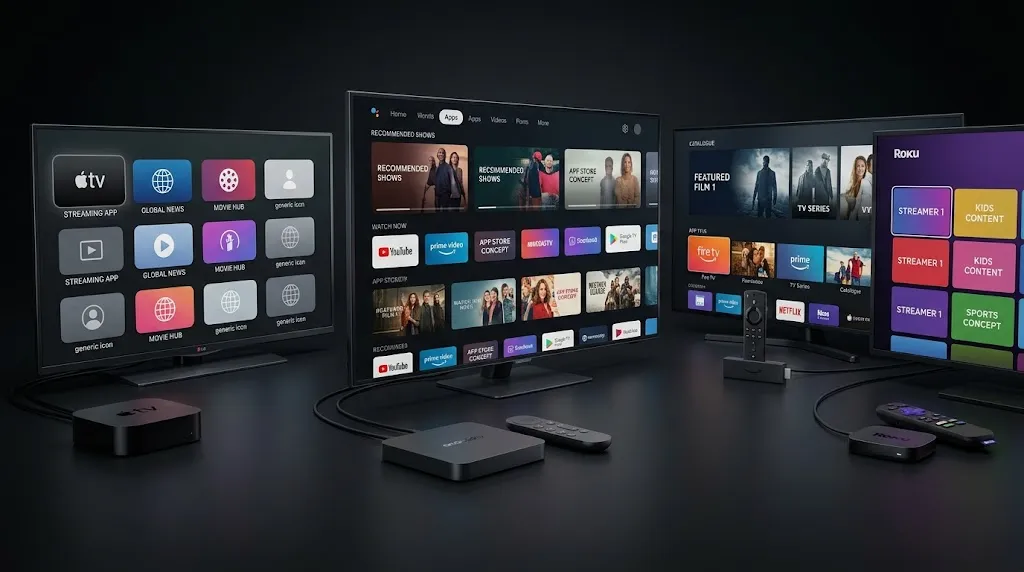
What These Cost in Canada
Hardware only. Any subscription is a separate cost from a separate party.
| Category | Typical Canadian range | What the money buys |
|---|---|---|
| Streaming sticks | CAD $40–$85 | Wi-Fi only, compact, platform-dependent catalogue |
| Google TV and Android TV boxes | CAD $75–$140 | Play Store access, Ethernet on most models |
| Apple TV 4K | around CAD $200 | tvOS App Store, long support life |
| Premium Android media players | around CAD $260 | Gigabit Ethernet, upscaling, large-list performance |
| Dedicated IPTV boxes | CAD $135–$220 | IPTV-first interface, usually provider-supplied |
Checked September 2026 against Canadian retail listings. Prices move — Amazon raised its stick pricing in August 2026 — so treat these as brackets for budgeting rather than quotes.
One caution that recurs in Canadian listings: unbranded boxes below roughly $50 tend to pair weak processors with no update commitment. The saving is real and so is the cost.
Which IPTV Device Should You Buy?
- You own a compatible smart TV, Android box, or Apple TV — use it. No new hardware needed. Match a player to it with our best IPTV app comparison.
- You own a Fire TV Stick — check the model first. The platform decides what your store offers.
- You want the cheapest new device that works well — a streaming stick, accepting Wi-Fi only.
- You want the fewest restrictions — a Google TV or Android TV box.
- You want the smoothest 4K for live sport on a large screen — a premium Android media player.
- You want a cable-box feel — a Formuler or MAG box, at higher cost and with a narrower role.
- You own a Roku — add a second device on a spare HDMI port rather than relying on Roku for IPTV.
Legal Note: This article compares streaming hardware only. IPTV Concepts does not sell, recommend, or endorse any IPTV subscription service, and does not publish installation routes outside official app stores. Owning any device listed here provides no television content by itself — a separate subscription is required. Always ensure your use of any streaming service complies with Canadian copyright law and CRTC regulations. See our disclaimer and affiliate disclosure for full details.
Bottom Line
Three scenarios to help you decide on the best IPTV device for your situation.
You have not checked what you already own. Start there. A compatible smart TV, an Android box, an Apple TV or a Fire OS stick very likely already works, and the check takes five minutes.
You need to buy new hardware. A Google TV or Android TV box covers most needs with the fewest platform restrictions. Choose a premium media player only if you specifically need gigabit Ethernet and upscaling for demanding 4K use on a large screen.
You want the traditional cable-box feel. A Formuler or MAG box provides it, at a higher cost and with a narrower role than a general-purpose device.
Once you have chosen, our IPTV setup guide for Canada covers entering your credentials. If something here needs correcting, our contact page is open.
Explore More
IPTV Devices
- Is Amazon blocking IPTV on Firestick? Two changes people confuse
- NVIDIA Shield IPTV Canada: why the 2019 hardware still matters
- IPTV on Apple TV: your device decides what you can install
- MAG box IPTV in Canada: operator hardware, not a Firestick upgrade
Related Guides
Sources
- Amazon Fire TV — Amazon.ca — Canadian retail listings, model availability and pricing. Accessed September 2026.
- NVIDIA Shield TV — specifications and Canadian availability. Accessed September 2026.
- Android TV — platform and Play Store app distribution. Accessed September 2026.
- App Ecosystem — webOS TV Developer, LG — third-party app submission and store availability by country. Accessed September 2026.