
By Noah MacKenzie — IPTV Apps & Devices Reviewer | IPTV Apps | Last updated: July 2026
Best IPTV app Canada searches usually come from one of two places: either you already have IPTV credentials and don’t know what to do with them, or you’re comparing options before subscribing to a service. This guide covers both. It starts with what an IPTV app actually is—because that confusion trips up more Canadian beginners than any app comparison ever will—then moves into a full comparison of the top free and paid options for 2026. For the technology behind IPTV itself, see our What Is IPTV guide.
Quick Answer
The best IPTV apps in Canada depend on your device: TiviMate is a strong choice for Firestick and Android TV; IPTV Smarters Pro works across the widest range of devices, including iOS; XCIPTV is a solid free Android option; and IBO Player suits Samsung and LG smart TVs. An IPTV app is required — your subscription credentials will not work without one installed first.
What Is an IPTV App?
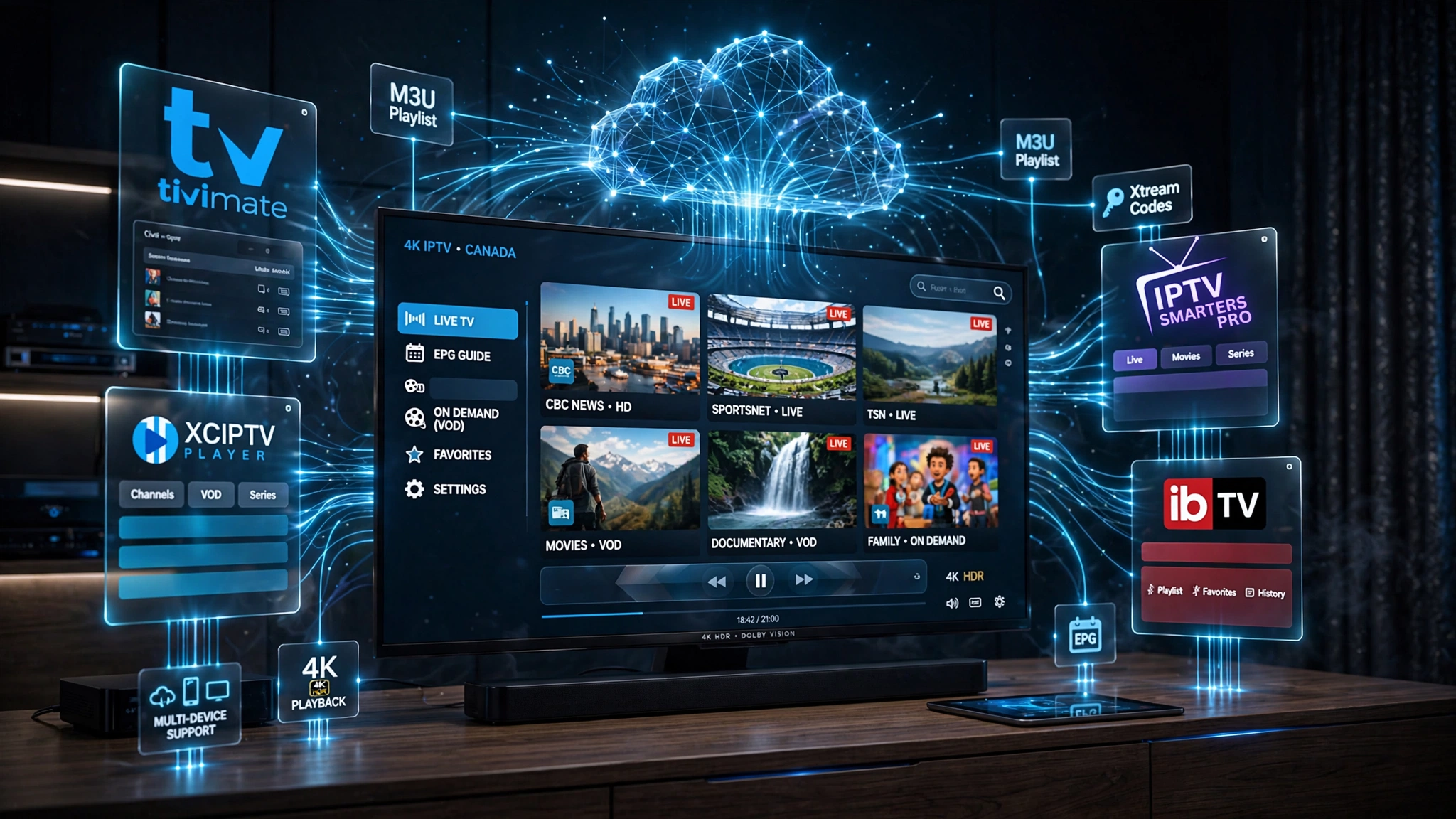
An IPTV app — also called an IPTV player — is the software that reads your subscription credentials and turns them into watchable television channels. It is not the same as an IPTV subscription. The app is free or low-cost software; the subscription is what you pay for separately to access channels.
Popular examples include TiviMate, IPTV Smarters Pro, XCIPTV, and IBO Player. These are IPTV player applications specifically — not general streaming services like Netflix, Prime Video, or Pluto TV, which deliver their own licensed content directly and do not require external credentials.
Key takeaway: An IPTV app is the software layer between your credentials and your TV screen—not a subscription itself and not in the same category as Netflix or Prime Video.
IPTV App vs. IPTV Provider — What Is the Difference?
This is the single most common point of confusion for Canadian beginners, and it is worth clarifying before comparing any apps.
| IPTV Provider | IPTV App | |
|---|---|---|
| Role | Supplies the subscription | Plays the subscription |
| What it gives you | M3U URL or Xtream Codes credentials | Nothing on its own—it reads what the provider gives you |
| Cost | Monthly or annual subscription fee | Usually free, some have optional premium tiers |
| What it controls | Content access, channel list, server reliability | Interface, EPG display, playback quality, device compatibility |
Your provider and your app are two completely separate products from two different sources. Switching apps does not change your subscription. Switching providers does not require switching apps — most apps work with most providers’ credentials.

Key takeaway: Your IPTV provider and your IPTV app are separate — the provider supplies the subscription, the app displays it, and switching one does not require switching the other.
How IPTV Apps Work
The process is the same across every app, provider, and device:
- Your provider gives you credentials—either an M3U URL or Xtream Codes (Server URL, Username, Password)
- You enter those credentials into your IPTV app
- The app reads the credentials and downloads your channel list
- The app requests EPG (Electronic Programme Guide) data separately, showing what’s currently airing
- You select a channel and the app plays the stream
Every app on this list follows this same basic flow — the differences lie in interface quality, stability, and which credential formats and devices they support best.
Why Do You Need an IPTV App?
Without an app, your credentials do nothing. IPTV subscriptions do not come with a built-in viewing interface — the app is what makes your subscription usable. Specifically, an IPTV app:
- Reads and interprets M3U playlists or Xtream Codes credentials
- Organises your channel list into browsable categories
- Displays EPG data so you know what’s currently airing
- Plays VOD (Video on Demand) content where your provider offers it
- Manages playback quality and buffering behaviour
For the full explanation of how IPTV works as a technology, see our What Is IPTV guide.
Can You Use IPTV Without an App?
In almost every case, no. IPTV credentials are only usable through a compatible player app. The rare exceptions are IPTV services that build a proprietary interface directly into a set-top box they supply — but for the third-party M3U and Xtream Codes subscriptions most Canadians use, an app is required.
Best IPTV Apps Canada — Full Comparison
| App | Firestick | Android | Samsung | LG | iPhone | Free? | Best For |
|---|---|---|---|---|---|---|---|
| TiviMate | ✅ | ✅ | ❌ | ❌ | ❌ | Limited free tier | Firestick / Android TV interface |
| IPTV Smarters Pro | ✅ | ✅ | Limited | Limited | ✅ | ✅ Free | Widest device coverage |
| XCIPTV | ✅ | ✅ | ❌ | ❌ | ❌ | ✅ Free | Lightweight Android option |
| IBO Player | ✅ | ✅ | ✅ | ✅ | ❌ | Paid | Samsung / LG smart TVs |
How We Compared These IPTV Apps
Each app was evaluated against the same criteria to keep this comparison consistent:
- Ease of setup — how straightforward the credential entry process is
- Device support — which platforms the app officially supports
- M3U and Xtream Codes support — whether both credential formats work
- EPG quality—reliability and accuracy of the programme guide
- VOD support — whether on-demand content displays properly
- Stability — crash frequency and playback consistency
- Update frequency — how actively the app is maintained
- Price — free tier limitations and premium costs
Best Free IPTV Apps in Canada
IPTV Smarters Pro
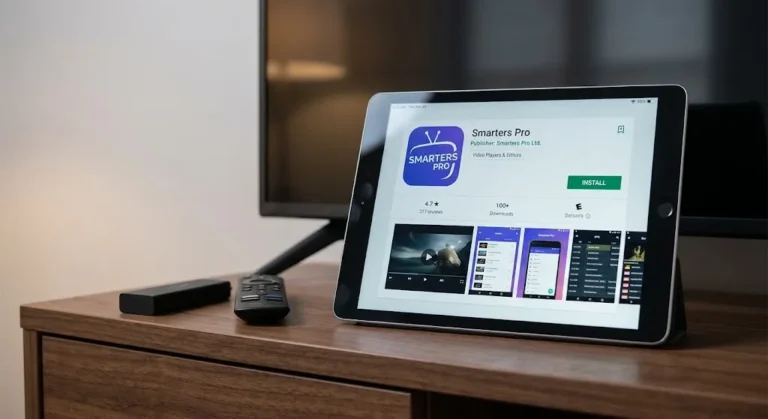
IPTV Smarters Pro has the widest device coverage of any app on this list—Android, Firestick, iOS, and web-based access. It supports both M3U and Xtream Codes credentials natively, includes EPG and VOD support, and remains completely free. For Canadian users who want one app that works across a phone, a Firestick, and an iPad, this option is typically the starting point.
XCIPTV
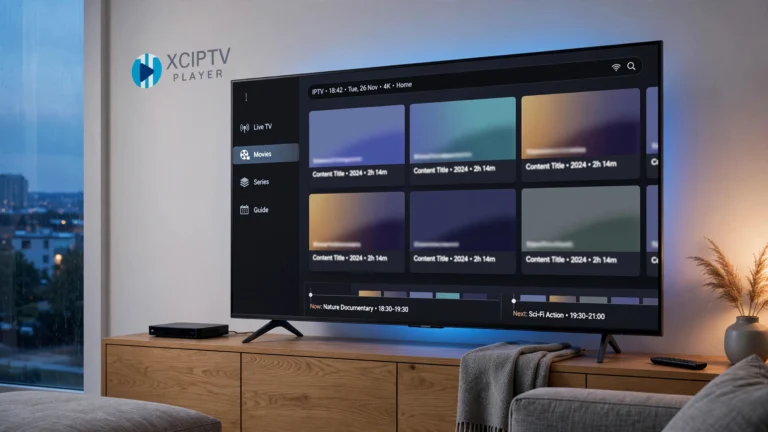
XCIPTV is a lightweight, free Android-focused player. It supports Xtream Codes and M3U, offers a clean interface, and performs reliably on lower-powered Android boxes where heavier apps sometimes struggle. It does not support iOS or Samsung/LG smart TVs directly.
Best Paid IPTV Apps in Canada
TiviMate
TiviMate is widely regarded among Canadian users for its interface quality, EPG presentation, and multi-profile support. The free version has functional limitations—a premium tier (TiviMate Premium, paid annually) unlocks recording, multiple playlists, and parental controls. It is available only for Android and Firestick — not Samsung, LG, or iOS.
IBO Player
IBO Player is one of the few strong options for Samsung and LG smart TVs, where TiviMate is not available. It’s a paid app with a straightforward interface, reliable EPG support, and native compatibility with Tizen and webOS smart TV platforms.
Key takeaway: TiviMate and IBO Player are both paid but solve different problems—TiviMate for Android/Firestick interface quality and IBO Player for Samsung/LG compatibility that TiviMate does not offer.
App Performance Can Vary by Provider
In my support experience, I’ve occasionally seen IPTV services behave differently across player apps—the same credentials loading successfully in IPTV Smarters Pro but not in TiviMate until the provider adjusted their playlist configuration on their end.
This isn’t a flaw in either app. It reflects how the provider’s backend system was built and which API standards they follow. If your credentials work in one app but not the other, the most useful next step is often to try a second app with the same credentials before assuming your subscription itself is broken.
Choosing the Right IPTV App for Your Device
| Your Device | Good Starting Point |
|---|---|
| Firestick / Android TV | TiviMate or another Android-compatible player |
| Samsung Smart TV | A Tizen-compatible IPTV player such as IBO Player |
| LG Smart TV | A webOS-compatible IPTV player such as IBO Player |
| iPhone / iPad | IPTV Smarters Pro or another iOS-compatible player |
| Google TV / Chromecast with Google TV | IPTV Smarters Pro or TiviMate |
| NVIDIA Shield | TiviMate — full Android app support |
| Windows / macOS | A desktop-compatible IPTV player such as IPTV Smarters Pro |
Which IPTV App Should You Choose?
- Complete beginner, unsure where to start — IPTV Smarters Pro. It’s free, works on almost everything, and has a straightforward setup.
- Want the best interface on Firestick or Android TV—TiviMate, budget permitting for the premium tier.
- Using a Samsung or LG smart TV—IBO Player, since TiviMate is not available on Tizen or webOS.
- Using an iPhone or iPad, IPTV Smarters Pro remains the most reliable iOS option.
- Want a free, lightweight Android option — XCIPTV.
- Streaming on multiple screens in the same household—TiviMate’s multi-profile support or IPTV Smarters Pro’s multi-device login, depending on your provider’s connection limits.
Common IPTV App Mistakes to Avoid
Choosing an app before knowing your device—TiviMate does not work on Samsung or LG smart TVs. Confirm your device first, then choose from the apps that actually support it.
Entering M3U credentials in the Xtream Codes field, or vice versa—each credential type has a dedicated entry screen in every app. Using the wrong one produces a “no streams available” error even with correct details. See our IPTV Setup Canada guide for the exact steps.
Assuming the app includes channels, it will be empty until you enter valid subscription credentials. No app comes with pre-loaded content.
Confusing the app with the provider — If your channels stop working, the app is rarely the cause. Check your subscription status with your provider first.
Legal Note: This article compares IPTV player applications only. IPTV Concepts does not sell, recommend, or endorse any specific IPTV subscription service. Always ensure your use of any streaming service complies with Canadian copyright law and CRTC regulations. See our Disclaimer and Affiliate Disclosure for full details.
Bottom Line
Three scenarios to help you decide:
You have credentials and need an app now—match your device to the table above. IPTV Smarters Pro is the safest starting point if you’re unsure, since it works almost everywhere.
You’re comparing apps before subscribing to a provider—confirm which devices you’ll be using IPTV on before choosing a provider, since app compatibility varies by device far more than by provider.
Your app isn’t working correctly—try a second app with the same credentials before assuming your subscription is broken. See our IPTV Setup Canada guide for full configuration steps.
Explore More
IPTV Apps
- TiviMate Review Canada 2026
- IPTV Smarters Pro Canada: Full Review
- XCIPTV Canada Review
- GSE Smart IPTV in 2026
Related Guides
- IPTV Setup Canada: Complete Step-by-Step Guide ✅
- What Is IPTV? Complete Canadian Guide ✅
- IPTV Glossary ✅
Sources:
- TiviMate Official Site—accessed July 2026
- IPTV Smarters Pro Official Site — accessed July 2026