
An IPTV login failed message is the most common place a Canadian viewer gets stuck and the least informative thing a player will ever show you. Every guide answers it with the same list — retype the password, clear the cache, restart the router, and try a VPN — applied in the same order regardless of what the screen actually says. That order is guesswork. The message itself narrows the field considerably, and this guide works through how to read it. For the wider diagnostic across all failure types, see our guide to IPTV not working in Canada.
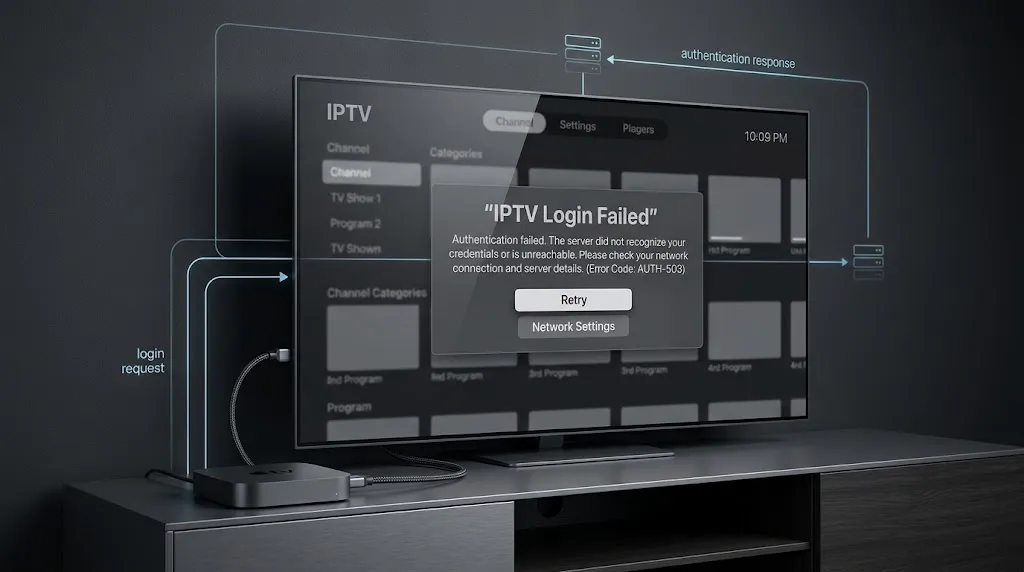
Quick answer: A login failure is a response, not silence. Before changing anything, work out whether nothing came back at all — a timeout or connection error — or whether something answered and refused you. The first points at the server address, protocol, or port. The second points at credentials, subscription status, or a connection limit. The fixes barely overlap.
What Reaching a Login Error Already Tells You
Getting as far as an error screen is itself information, and almost no guide uses it.
The App Opened and tried.
Reaching this point establishes that the player launched, that it read the details you entered, and that it got as far as attempting to authenticate. That is a narrower claim than it sounds, and it is worth stating carefully: it does not prove the authentication request reached your provider’s server. A player can fail to resolve a hostname, fail to open a connection, or wait for a reply that never comes, and present all three as one generic message.
That distinction is the whole basis of the next section.
What This Makes Less Likely
Connection speed, buffering, and traffic management sit further down the list here than they do in general IPTV troubleshooting. Those problems affect a stream that is already flowing. Authentication happens before any video is requested, and it moves a trivial amount of data.
This does not make bandwidth impossible — a connection unstable enough to drop requests will break authentication too. It makes bandwidth an unlikely first place to look. If your buffering and your login problems arrived together, our IPTV not working in Canada guide is the better starting point because that pattern suggests something broader.
No Response or a Refusal — Two Different Failures
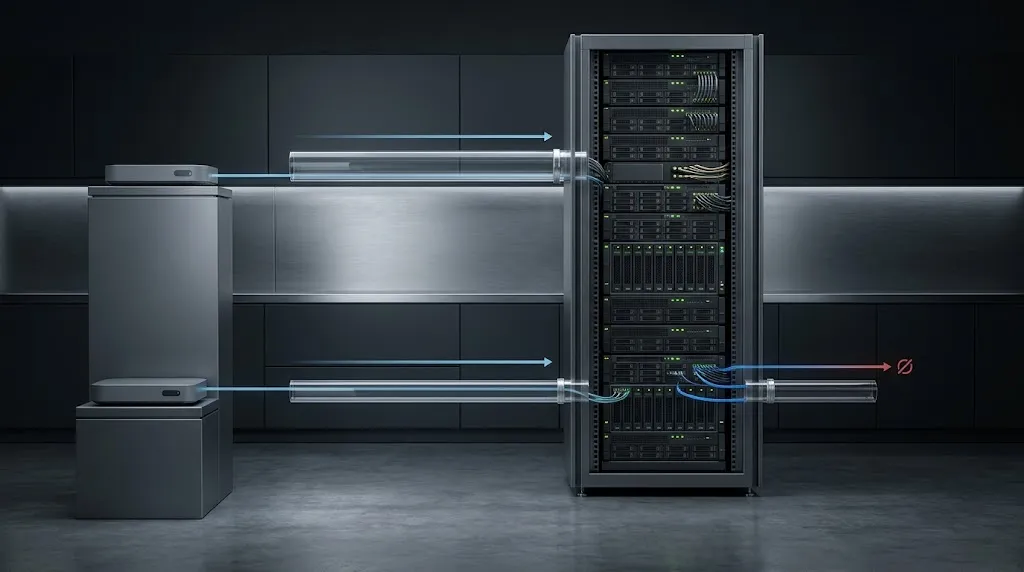
HTTP, the protocol underneath nearly every IPTV login, separates these cleanly. RFC 9110 groups responses into classes: client errors in the 4xx range, which include an explicit unauthorised response, and server errors in the 5xx range, which include service unavailable and gateway timeout. A connection that never completes produces none of these, because no status code is ever returned.
Most players collapse all of it into one string. Some do not, and those are worth reading closely.
When Nothing Comes Back
Symptoms: the app hangs for several seconds before failing or reports a connection or timeout error rather than a credential error. Nothing on the screen mentions your username.
This pattern points at the address, not the account. The hostname may not resolve, the port may be closed, or the provider may have moved the server. Your credentials are not implicated, because nothing has evaluated them yet.
When the Server Says No
Symptoms: the failure is immediate, and the wording refers to authorisation, credentials, or the account.
Something is running at that address, it received your request, and it declined. Now the credentials, the subscription, and the account state are in scope — and the address is not, because a wrong address could not have produced this.
| What you see | What it suggests | Where to look next |
|---|---|---|
| Long pause, then a connection or timeout error | The request may not have reached the server | Server URL, protocol, port |
| Immediate authorisation or credential error | Something answered and refused | Credentials, subscription, connection limit |
| Reference to a host or URL being invalid | The address was rejected as malformed | Spacing, protocol, trailing characters |
| Worked yesterday, fails today, nothing changed | Account state or a server move | Subscription expiry, provider notice |
Show Image
Same screen, two different failures. The pause before the message is often the only clue you get.
Why IPTV Login Failed Can Happen With Correct Credentials
This is the frustrating case, and it has four ordinary explanations.
The Trailing Space You Cannot See
Copying credentials from an email or a message on a phone frequently picks up a space at the end. A space is a real character — the URI standard assigns it a percent-encoded form, %20, precisely because it must be represented explicitly (RFC 3986, §2.1). To a server comparing strings, a password with a trailing space is a different password.
Nothing on screen shows it. Retyping by hand, rather than pasting, eliminates the possibility in about ten seconds.
Three Fields or One
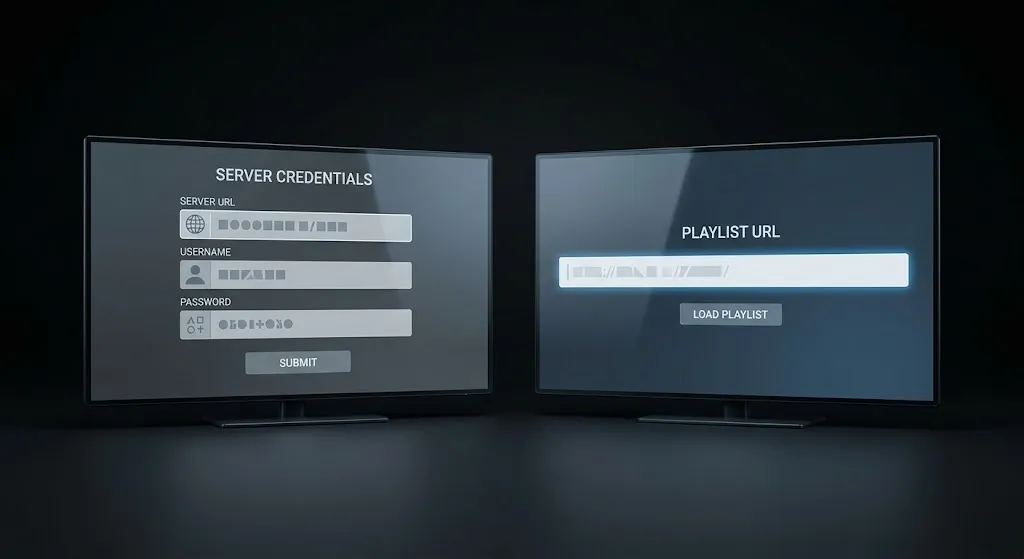
Xtream Codes and M3U are two different ways of handing you the same subscription. Xtream Codes uses three fields — server URL, username, and password. An M3U playlist is a single URL that already contains your credentials inside it. Our IPTV glossary defines both.
Pasting an M3U URL into an Xtream Codes server field, or splitting Xtream details across the wrong boxes, produces a login failure with details that are entirely correct. Every player offers both entry screens, and none of them warns you when you have picked the wrong one. Our IPTV setup guide for Canada walks through which value belongs where.
Protocol and Port
This one is not pedantry, and the specification is unusually blunt about it. RFC 9110 defines the origin of a URL as a triple: scheme, host, and port. Two origins are distinct if they differ in any of the three, and resources reached over https have no shared identity with those reached over http — they are separate namespaces.
Practically: http:// and https:// with the same address are two different destinations. So are the same address with and without a port number, unless the port happens to be the default the scheme already implies — 80 for http, 443 for https (RFC 3986, §3.2.3). Most IPTV panels run on neither. If your provider gave you a port, it belongs in the URL, and if they gave you http, changing it to https does not make the connection more secure. It makes it a different address.
Someone Else Is Already Logged In
Many subscriptions cap simultaneous connections. Reach the cap and the next device is refused, with the same message as a wrong password.
The signature is inconsistency: it fails while another television in the house is streaming and works when that set is off. It is one of the most common causes of a login failure that appears random, and only one of the thirteen pages we reviewed on this topic mentioned it.
The 30-Second Test That Separates Server Reachability From Player Errors
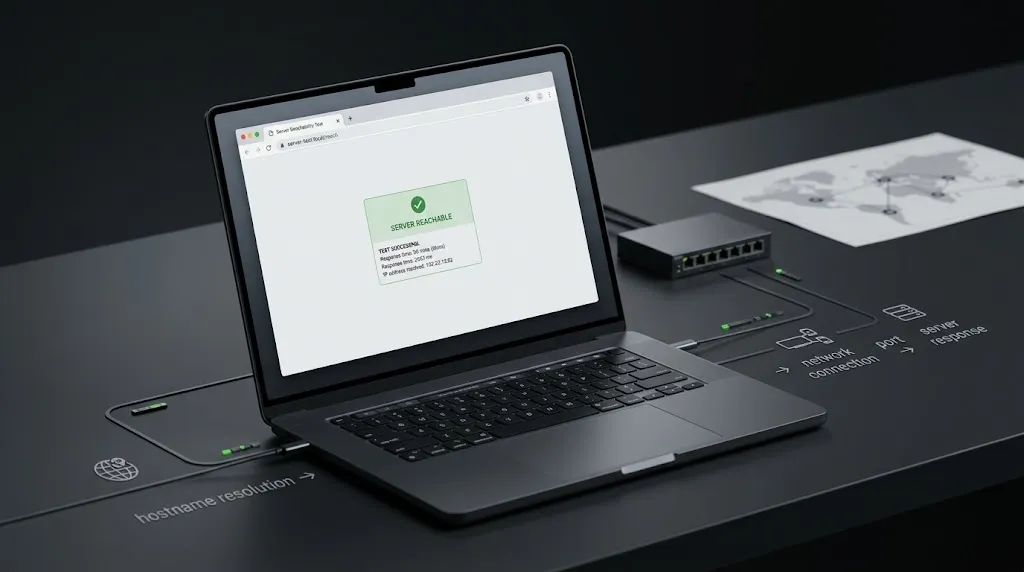
Take the server address, paste it into a browser on your phone, and see what happens.
What you are testing is narrow but useful: whether the hostname resolves, whether something is listening, and whether it responds over the protocol you specified. A page, an error page, or a block of text all confirm the address is reachable. A browser that spins and gives up suggests the address, the port, or the protocol is wrong — or that the server is down.
Two honest limits. This does not test your credentials; a reachable server will happily refuse them a moment later. And some panels return nothing meaningful at the base address, so a blank page is inconclusive rather than bad news. Read a clear result as evidence and an unclear one as no evidence.
We use the same technique on programme guide feeds in our guide to IPTV EPG not working, where the return is usually more legible.
What a VPN Cannot Fix Here
A large share of the advice on this topic ends with a VPN or a DNS change, and one page we reviewed recommends a specific VPN on the stated grounds that most providers throttle streaming.
Apply the distinction from earlier. A VPN changes the route your request takes. It does not change your password, extend an expired subscription, free up an occupied connection slot, or correct a server address. If the server answered and refused you, routing the same refused request through another country produces the same refusal.
Where a VPN or DNS change can matter is the other failure mode — when nothing comes back and the reason is that the address cannot be reached from your network. That is a real scenario, and it is worth trying after you have confirmed the address is right, not before. Our guide to whether you need a VPN for IPTV sets out what the tool does and does not do.
The same reasoning applies to changing a player’s user agent, which one guide presents as a way to make the server accept the connection. If a provider rejects a particular player or user agent, changing it may sometimes change the response, but it does not prove that your credentials are wrong or that the player is broken. It tells you the provider is filtering by client, which is their configuration to explain.
When the Answer Is Not Technical
Two causes account for a large share of these failures, and neither has a fix in the app.
Subscriptions end. Providers do not always send a reminder, and the moment the term lapses, the credentials stop being accepted — with no message distinguishing this from a typo. Check the expiry date in your original confirmation, or in your provider’s portal, before troubleshooting anything else.
Server addresses change. Providers move infrastructure and issue a new URL, usually by email or through a support channel. Your player keeps trying the old address. This produces the no-response pattern, and no amount of retyping your password will resolve it.
This article covers player and connection diagnostics only. IPTV Concepts does not sell or endorse any subscription service. See our disclaimer for the limits of what any of this represents.
Bottom Line
Four things to take from this:
- An IPTV login failed message is a result, not a starting point — reading it narrows the causes before you change anything
- A long pause followed by a connection error and an instant credential rejection are different failures with different fixes
- Correct credentials can still fail: a copied trailing space, the wrong entry screen, a missing port, or another device holding the connection
- A VPN cannot resolve a refusal, because the refusal came from your provider’s server and a VPN does not change what you sent it
If the failure turns out to be broader than the login screen — buffering, channels dropping, one service failing while others work — our guide to IPTV not working in Canada covers those patterns. If something here needs correcting, our contact page is open.
Sources
- RFC 9110: HTTP Semantics — IETF. Status code classes for client and server errors; the definition of a URL origin as scheme, host, and port, and the separate namespaces of
httpandhttps. Accessed 29 August 2026. - RFC 3986: Uniform Resource Identifier (URI): Generic Syntax — IETF. Percent-encoding of the space character; the port subcomponent and scheme default ports. Accessed 29 August 2026.