
Most Samsung TV IPTV setup guides open the same way: search the Samsung App Store, install the player, and enter your credentials. Then a Canadian reader opens the store and searches, but the app is missing — and the guide says nothing about that, because it was written as if every Samsung TV in the world shows the same catalogue.
Samsung runs its own operating system with its own rules, and those rules differ from Fire TV and Android TV in ways that matter before you install anything. This guide covers what Tizen allows, how to check what your TV can actually get, and what to do when a player does not appear. For the general process across all devices, our complete IPTV setup guide for Canada covers everything that applies everywhere.
Can Samsung TVs Run IPTV? The Short Answer
Yes, on most Samsung TVs from 2016 onward, which run Tizen. Two conditions have to be met. Your TV needs to be recent enough to run a current Tizen version, and a compatible IPTV player has to be available in the Samsung app catalogue for your specific model and region. The second condition is where Canadian viewers most often get stuck, since availability is not uniform worldwide. If no player appears, a streaming device on a spare HDMI port is the reliable fallback.
That answer is longer than the one most guides give, because the honest version has conditions attached. Samsung TVs are perfectly capable IPTV screens. What varies is what your particular TV can install.
Tizen Is Not Android — What That Changes
Fire TV and Android TV devices are built on Android, which is why they can install Android APK files and why tools like Downloader exist for them. Samsung TVs run Tizen, a different operating system entirely. Samsung’s own developer documentation describes Tizen as the platform for Samsung Smart TVs, with applications built and packaged for that platform rather than for Android.
The practical consequence: installing Android APK files is not the normal app-installation path on a Samsung Tizen TV. There is no downloader equivalent, no unknown-sources toggle, and no APK route of the kind Firestick guides describe. An IPTV player needs to be available through a Samsung app store that is compatible with your TV and your region.

This is worth stating plainly because several guides currently describe sideloading APK files onto Samsung TVs from 2022 onward, sometimes with a developer-mode code entered on the remote. That advice appears to have migrated across from Android TV instructions. Tizen does not run Android packages, and following those steps will not produce a working IPTV player.
The distinction that matters: Samsung TVs do not lack app installation — they lack the Android installation route. Apps install normally from Samsung’s catalogue. The question is what your model and region can see in it.
Every term used here is defined in our IPTV glossary if you want the longer version.
Which Samsung TVs Support IPTV Apps
Samsung moved its smart TVs to Tizen in 2016. That date is the first filter, though it is not the whole answer.
| Model era | Platform | IPTV app compatibility |
|---|---|---|
| Pre-2016 | Earlier Samsung smart platform | Modern Tizen apps should not be assumed to work |
| 2016 onward | Tizen | Depends on the app, the model, and the region |
Notice what the second row does not say. Running Tizen makes a TV eligible for current IPTV players. It does not guarantee that any particular player is available for it. The catalogue your TV sees decides app availability, and that is a separate question from whether the operating system could run the app.
To check what you have: press the Home button, open Settings, then Support, then About This TV — the path Samsung Canada documents for finding model information. The screen shows your model code and software version. A software version beginning with Tizen and a model year of 2016 or later means you clear the first filter.
Older Samsung TVs are not a dead end — they simply need the approach in the fallback section below.
Samsung TV IPTV Setup and the Canadian App Store
This section is the part almost every competing guide skips, and it is where Canadian readers actually get stuck.
Samsung’s app catalogue is not identical worldwide. What appears depends on your region, your model, and your TV’s software version, and an app that a guide confidently names may simply not be listed for your set. Names that come up repeatedly in IPTV discussion include Smart IPTV, IBO Player, SS IPTV, and IPTV Smarters Pro – but naming them is not the same as confirming any of them are available to you today. Availability changes, and it changes unevenly across regions.
So rather than promising a list, here is how to find out in two minutes:
- Press Home on the remote and open apps.
- Select the search icon and type the player name — search each one separately rather than searching for “IPTV”, which returns unrelated results.
- If it appears, install it. You need to be signed in to a Samsung account for any installation.
- If nothing relevant appears, your catalogue does not carry it for your model and region. That is a real result, not a search failure.
Two practical notes. Search the exact app name — a partial or generic search often returns nothing useful even when the app is present. And check more than one name before concluding your TV has no options, since availability differs between players.
For how these players compare on features and which suits which platform, see our guide to the best IPTV app for Canadian viewers.
How MAC Address Activation Works
Here is the second structural difference from Fire TV, and it surprises people who have set up IPTV on a Firestick before.
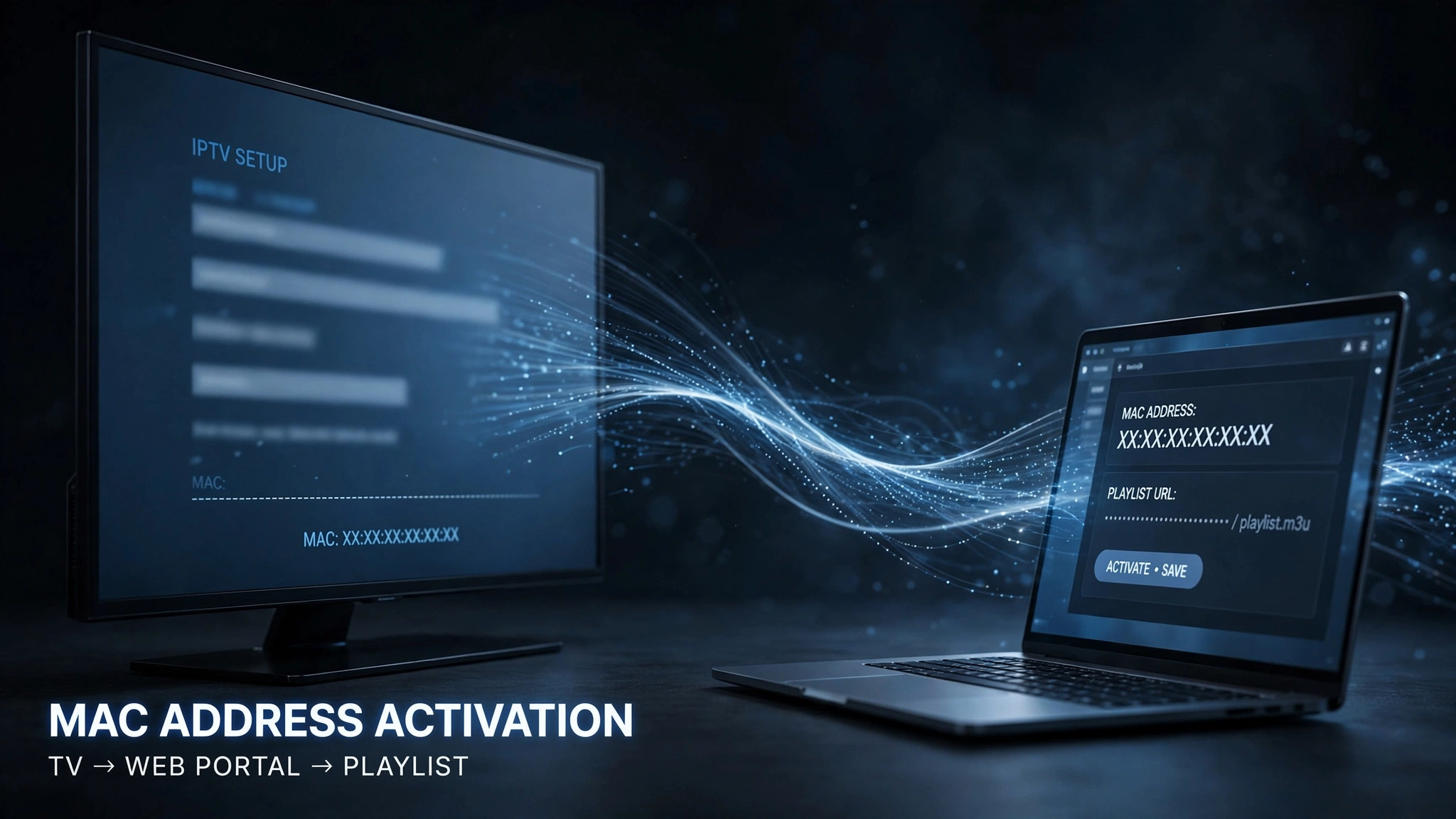
Several Samsung IPTV players do not take your credentials directly on the TV screen. Instead, the app displays your television’s MAC address — a hardware identifier unique to that device — and you enter your playlist on the player’s own web portal from a phone or computer, matching it to that MAC address. The TV then loads the list associated with its identifier.
Two things follow from that design.
Activation is tied to the television, not to a Samsung account. The identifier belongs to the hardware. Signing in elsewhere does not carry it over the way an account-based login would.
Setup happens partly off the TV. You will need a second device to complete it. If you were expecting to do everything with the remote, that expectation comes from Android-based guides where the whole process happens on screen.
The practical takeaway is a small one worth keeping: if you replace the television, check the player’s own activation and transfer rules before assuming the existing activation follows you to the new set. Each player sets its own rules, which vary.
Not every Samsung player works this way — some accept credentials directly on screen. Which behaviour you get depends on the app you end up using.
Entering Your Credentials
Whichever player you install, your provider will have supplied one of two credential formats.
| Credential type | What it gives you |
|---|---|
| M3U | A single playlist URL |
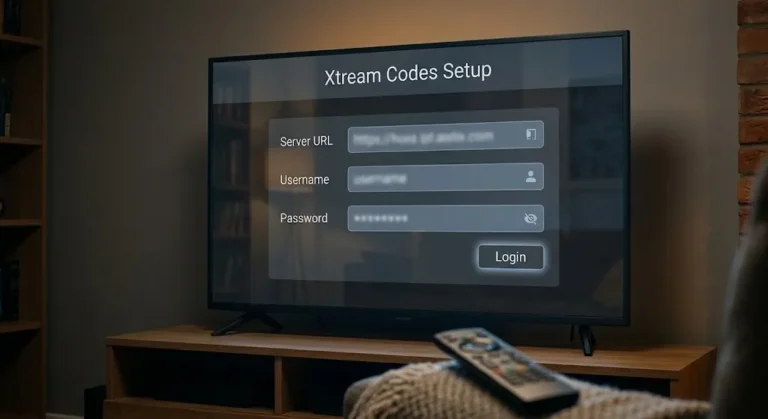
| Xtream Codes | A server URL, a username, and a password |
The exact fields and their labels depend on the player. Entering an M3U link into a field that expects Xtream Codes details is one of the most common reasons a valid subscription appears to fail. Our IPTV setup guide for Canada walks through the entry process and the errors each format tends to produce.
If No Compatible Player Appears
If you have searched several player names and found nothing, your TV’s catalogue does not carry them. This situation is common enough that it is worth treating as a normal outcome rather than a problem to troubleshoot.
The reliable answer is a streaming device on a spare HDMI input. A Fire OS-based Fire Stick or an Android TV box provides you with access to the full range of IPTV players, and your Samsung TV continues doing what it does well — displaying the picture. Nothing about the television needs to change.
If you go that route, two things are worth reading first. Our best IPTV device in Canada guide compares the options, and the Firestick IPTV setup covers a wrinkle specific to Amazon’s newer models: not every Firestick sold today supports app installation the way older ones did, so the model matters.
Samsung, Firestick, or Android Box — How the Platforms Behave
This section compares platform behaviour rather than ranking them. Each suits a different priority.
| Platform | Android APKs | App availability | Setup flexibility | Suits |
|---|---|---|---|---|
| Samsung Tizen | No | Depends on region and model | Lower | Viewers who want everything on the TV itself, no extra box |
| Fire TV | Fire OS models only* | Depends on app and model | Higher | Viewers wanting more installation flexibility |
| Android TV box | Yes | Broad | Highest | Viewers needing maximum app choice |
* Amazon’s newer Vega OS sticks are not Android-based and do not support APK installation. Which Fire TV you own decides the outcome — covered in Fire Stick IPTV setup.
The trade-off is straightforward. Samsung gives you a clean, single-device setup with no extra remote, at the cost of depending on what its catalogue offers you. An external device inverts that: more cables and another remote mean more control over what you install.
Legal note: this guide covers device and app compatibility only. IPTV Concepts does not sell, recommend, or endorse any IPTV subscription service. What determines whether a service is lawful is the content source and its distribution rights, not the hardware. See our disclaimer.
Your Samsung TV, Your Next Step
| Your situation | What it means | Next step |
|---|---|---|
| 2016 or later, player found in store | Both conditions met | Install it and enter your credentials |
| 2016 or later, no player found | Catalogue limitation, not a TV fault | Add a streaming device on a spare HDMI port |
| Pre-2016 Samsung TV | Modern Tizen apps not assumed to work | Add a streaming device on a spare HDMI port |
| The player was found but asks for a MAC address | Normal for some Samsung players | Complete setup on the player’s web portal from a phone |
| Player installed, channels will not load | Usually credentials or provider-side | See the fix guide below |
If everything installs but playback misbehaves, the cause is usually further along than your TV — our complete IPTV fix guide for Canada works through the possibilities in order. If you are still getting oriented, what IPTV is covers the fundamentals.
The short version worth keeping: check the model, search the store by exact app name, and treat an empty result as information rather than failure. A Samsung TV that cannot install a player is not a Samsung TV that cannot show IPTV. Questions we have not covered are welcome through our contact page.
Sources
- Samsung Canada — Smart TV support — model identification and TV settings. Accessed August 2026
- Samsung Developers — Tizen for TV — platform documentation confirming Tizen’s application model. Accessed August 2026